
Ever wondered if building your own mining PC could be your shortcut to crypto gains? Two standout mining PCs bring crypto mining into a new league by using specialized parts that work like race car engines. These machines run all day, staying cool and using less energy while handling blockchain tasks (the digital log of transactions). With strong GPUs, powerful graphics cards that do heavy computing work, operating non-stop, every mining session turns into a smooth money-making operation. This article shows how putting together and fine-tuning your own mining PC can boost your crypto rewards and even help turn your tech skills into real earnings.
Mining PC Essentials: Overview & Importance
Mining PCs are computers made especially to verify blockchain transactions. In return, users earn cryptocurrency. Unlike ordinary desktops, these rigs are built with special parts that keep them efficient and reliable. They run cooler and use less electricity, so they can work nonstop without getting overwhelmed.
Think of it this way: using a mining PC is like putting a racing car on a track instead of driving a family sedan. Popular GPUs, such as the NVIDIA RTX 3090 or RTX 3080, typically cost between $600 and $2000. These powerful components help maintain a high hash rate (that's the speed at which mining calculations are done) and can lead to better earnings when mining crypto.
Mining rigs are designed to hold several GPUs and include upgraded cooling systems to keep temperatures down, even during heavy use. This efficiency can be the key difference between steady daily returns and potential hardware damage from overheating. In simple terms, a mining PC makes sure every bit of energy is used in the best possible way to verify each blockchain transaction.
Mining PC DIY Build Guide: Step-by-Step Assembly
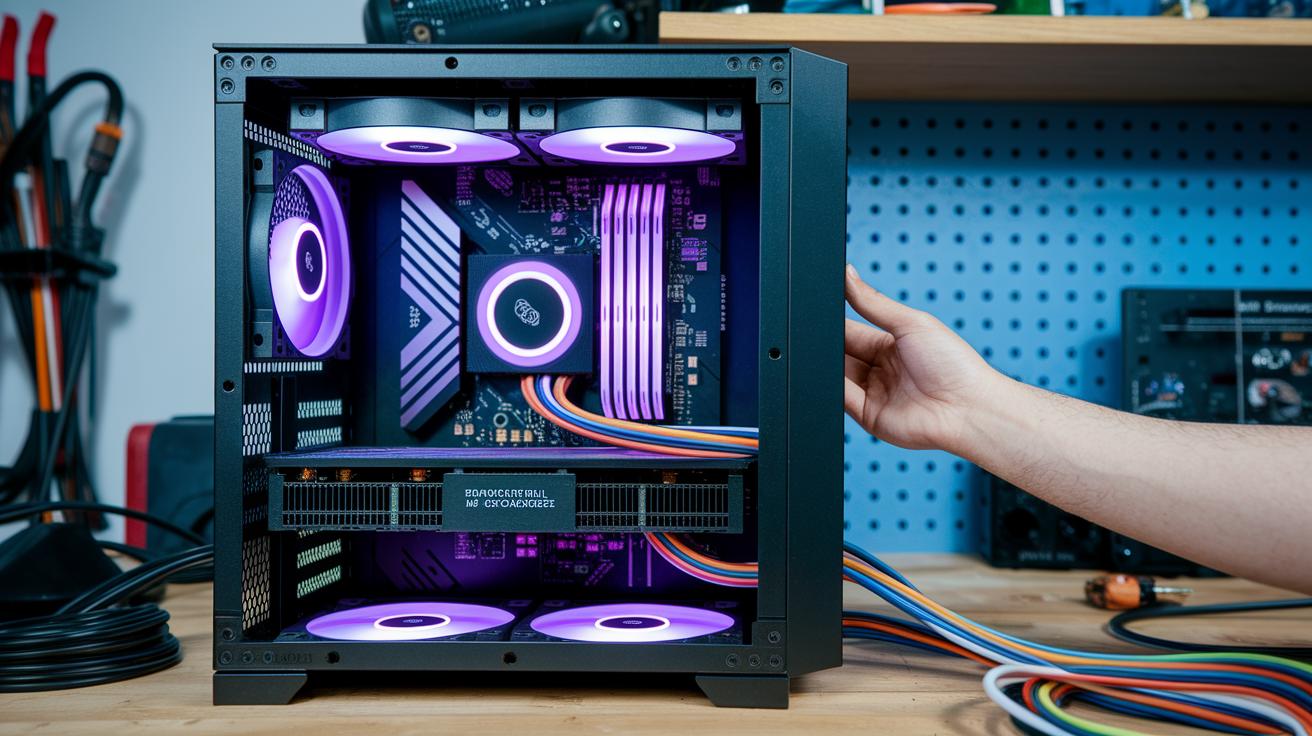
Ever thought about building your own mining PC? It can really boost your crypto earnings. Imagine assembling a puzzle where every piece, from riser cables to BIOS tweaks, fits perfectly. This guide walks you through the clear steps to build a system that stays cool, runs smoothly, and ramps up your hash rate.
First off, get your chassis ready. Make sure your work area is neat and your mining case can support both a bunch of powerful GPUs and a high-capacity power supply. Focus on the layout and cable management from the get-go, so everything stays cool during those long mining sessions. A well-organized build not only cuts down on troubleshooting but also keeps your system performing at its best.
Here’s an eight-step plan to help you out:
- Clean your mining case thoroughly and check the mounting points. Think of it like prepping a canvas before you start painting.
- Secure the Intel Z390 motherboard in place by ensuring all the standoff screws are set properly.
- Install your GPUs using riser cables. This creates extra room for airflow and ensures each card is firmly connected.
- Wire up your high-capacity PSU to spread power evenly across all your components, keeping everything balanced.
- Connect your storage drives and any peripherals you need for monitoring software.
- Dive into the BIOS settings to optimize your system, adjust the PCIe lanes and turn on features that boost stability. It’s a bit like tuning a fine instrument for a perfect performance.
- Install your operating system on an SSD or HDD, setting up the foundation for your mining software.
- Finally, load up mining software like CGMiner or MultiMiner on Windows or Linux, and run a test to ensure everything clicks into place.
A quick test run helps check all the connections and lets you fine-tune your system for steady, reliable crypto gains.
Mining PC Component Breakdown: Essential Hardware Specs
Building a mining PC means picking parts that work well together. Your GPU, short for graphics processing unit, is the powerhouse that produces mining power. For example, an AMD RX580 gives you about 30 MH/s (that’s 30 million hashes per second, a basic measure of performance) and costs roughly $200, while the AMD 5700 XT can hit up to 39 MH/s with a similar amount of energy use. Each GPU you choose plays a big role in your daily earnings by adding to your overall mining strength.
The power supply is just as important. A gold-rated PSU between 1200W and 1600W works best because it can support at least 8 GPUs along with the motherboard without causing any stability issues. Typically, a motherboard like the Intel Z390 with 8 PCIe slots gives you enough room for multiple GPUs and ensures they all talk to each other efficiently.
Cooling is a key part of keeping your mining PC in top shape. Good airflow is essential, and you can achieve this with an open frame or several high-powered fans (around 70 CFM, which stands for cubic feet per minute, a way to measure how much air a fan moves). This setup helps keep GPU temperatures between 60 and 65 °C, even when everything is running at full tilt. It stops overheating and helps your system run smoothly for a long time.
Below is a table that highlights the recommended specs for each important component:
| Component | Recommended Spec | Role | Typical Cost |
|---|---|---|---|
| GPU (AMD RX580/5700 XT) | 30–39 MH/s @120–125W | Mining power generator | $200–$400 |
| PSU | 1200W–1600W gold-rated | Stable power delivery | $250–$350 |
| Motherboard | Intel Z390, 8 PCIe slots | Connects multiple GPUs | $180–$220 |
| CPU | Intel i5 or i7 | Controls BIOS/mining software | $150–$300 |
| RAM & SSD | 8GB DDR4, 120GB SSD | Runs OS & software | $50–$80 |
| Cooling System | 4×70 CFM fans or open rig | Manages temperatures | $40–$100 |
Choosing the right parts isn’t just about getting started, it helps your mining setup stay efficient over time. Each component does its part in boosting your mining power while keeping your system stable and cost-effective.
2 mining pc Wins for Crypto Gains

Building an 8-GPU mining rig with eight RX580 GPUs isn’t cheap. For example, those GPUs alone can cost about $1,600. Then you add a $200 motherboard, a $300 power supply unit, and roughly another $300 for the case and extras. In total, you're investing nearly $2,400 right off the bat. Every component is chosen to keep your system running smoothly and efficiently, just like pieces in a well-tuned machine.
Next, consider your electricity bill. Running the rig at full capacity uses power priced at roughly $0.10 per kilowatt-hour, which can add about $4 to your daily expenses. Think of it as fueling a car, steady, recurring costs that you need to plan for when operating around the clock.
Now, let’s look at the earnings side of things. If your rig is pulling in roughly $20 a day, you could cover your hardware costs in about 120 days, and that’s before adding the power expenses into the mix. Picture your rig steadily churning out crypto gains, nudging you past the break-even point in just a few months.
But remember, crypto markets can be unpredictable. In a strong market, larger operations using 13-machine setups have earned as much as $17,000 in a month. However, during slower periods, those same setups might only make around $500. That’s why understanding how to calculate your return on investment is essential for anyone serious about mining.
Mining PC Performance Benchmarking & Optimization
Benchmarking your mining PC is essential if you want every part working at its best. First, test each GPU’s hash rate. For example, an RX580 usually reaches about 30 MH/s at 120W, while a 5700 XT tends to hit close to 39 MH/s at 125W. Fun fact: one miner discovered his GPUs were underperforming by nearly 10% because they weren't set up with the right voltage levels.
Keeping an eye on each card’s hash rate helps you spot which ones need extra attention. Then, try a few BIOS tweaks like adjusting the PCIe lane settings to keep the system steady. These small changes can stop unexpected freezes when your rig is working hard, much like tuning a guitar to get the perfect sound.
Overclocking and undervolting are two key techniques. By lowering the voltage to your GPU, you can reduce its power use by 10 to 15% while only losing about 5% in performance. It’s a bit like finding the right rhythm in your favorite song.
Using monitoring software that tracks power consumption and hash rates for each card is a real lifesaver. It lets you adjust clock speeds and voltages for each GPU one by one, almost like having a personal coach for every component. With regular checks and timely tweaks, you can keep your mining rig in top shape while also cutting down on energy costs.
Mining PC Cooling & Energy Efficiency Strategies
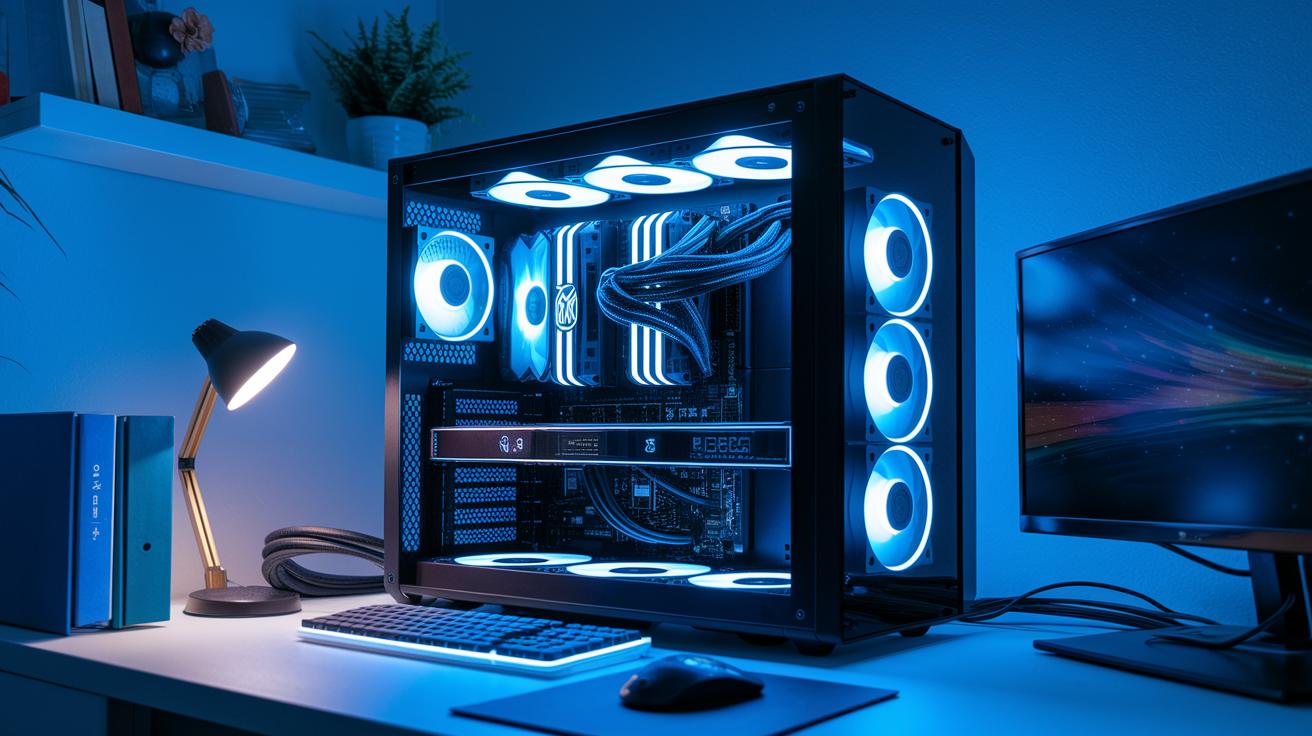
Keeping your mining PC cool is key to getting the most out of your setup. Using open-air cases can drop your GPU temperatures by around 10 °C compared to closed cases, so your hardware stays cooler during long sessions. High-static-pressure fans, which move about 70 CFM of air (that’s the measure of airflow), help keep your GPUs in the 60–65 °C range even when working hard.
A smart setup makes a big difference. Arrange your rig so that intake fans bring in cool air and exhaust fans push out the hot air. For example, placing a fan near your GPUs helps direct fresh air to these crucial parts, stopping heat from building up where it shouldn’t.
Remember to clean off dust regularly too. Dust can act like a blanket and block airflow, which raises temperatures. Wiping down fans, heatsinks, and vents now and then makes your cooling system work better and helps your mining PC run energy efficiently.
Using these cooling and energy-saving tips not only boosts performance but also helps your equipment last longer. It’s all about keeping things running smoothly so your mining setup stays reliable and saves you money over time.
Mining PC Troubleshooting & Maintenance Techniques
Mining PCs work non-stop, so you’ve got to keep them in peak condition. You might see issues like GPU driver crashes (when your graphics card suddenly stops working properly), overheating, or problems with riser cables (those connectors that link your components). A smart move is to regularly check system logs and alerts from your mining software, they can point out a dipping GPU hash rate (how fast your card is mining), hinting that the driver might have crashed or the card is overheating.
Staying on top of routine maintenance is key to dodging bigger issues later. Make a habit of dusting off fans and heatsinks to keep the airflow smooth and temperatures low. Updating your GPU and motherboard firmware (the built-in software that makes them run correctly) helps fix bugs before they cause trouble. And if something’s not performing as it should, swap it out quickly with a spare. Trust me, keeping extra risers, fans, and basic repair tools handy can really cut down on downtime.
Below is a simple troubleshooting and maintenance guide:
| Step | Action |
|---|---|
| 1 | Check system logs and alerts for early signs of trouble. |
| 2 | Inspect all physical connections, especially the riser cables. |
| 3 | Update GPU and motherboard firmware to fix bugs. |
| 4 | Clean fans and heatsinks regularly to maintain airflow. |
| 5 | Keep spare parts ready for a quick fix when needed. |
Taking these proactive steps helps you avoid unexpected downtime and keeps your mining rig running smoothly, sort of like giving it a regular tune-up to stay ahead of trouble.
Mining PC ASIC Integration Tips & Hybrid Setups

Blending ASIC miners with GPU-based mining PCs opens up an exciting array of possibilities across multiple cryptocurrencies. ASIC miners, like the Antminer S19, which delivers 95 TH/s using 3,250W, are built for Bitcoin, while GPU rigs can tackle altcoins such as Ethereum Classic or Monero. This setup lets you seize more opportunities by mining a variety of coins.
A simple way to keep things running smoothly is to split your ASIC and GPU devices into separate network groups. For example, assign one set of IP addresses just for ASIC units and another set for your GPU rigs. This clear division helps manage pool assignments and track performance easily, without confusing signals or mixed data.
Power management is another important aspect. Using high-amp power distribution units (PDUs) helps spread the electrical load evenly across your systems. This prevents overloads and supports steady earnings, even when the mining activity ramps up.
By combining these two types of systems in one operation, you gain the flexibility to fine-tune your mining strategy. ASIC miners reliably handle their algorithms, while GPUs excel with multiple coin protocols. And with each group on its own network, managing mining pools becomes a lot simpler during adjustments or troubleshooting.
2 mining pc Wins for Crypto Gains
When you're shopping for a mining PC, there are a lot of options to consider. Prebuilt mining rigs come ready to go and usually start at about $2,000 for a system with four GPUs. These systems come with warranties and have been tested for performance so you can count on their quality, even if you pay a bit extra for that peace of mind.
On the other hand, building a custom computer lets you pick every single part to suit your needs. Typically, a DIY setup can save you roughly 30% compared to prebuilt rigs. That means you could enjoy a crypto mining machine that performs as well as, or even better than, a factory-made one. Custom builds let you select exactly what you want, like the motherboard, power supply, and cooling system, and they give you the flexibility to upgrade later. Sure, they require a bit more hands-on work and technical know-how, but many find the savings and the learning experience totally worth it.
If you're open to secondhand options, you might even consider buying used GPUs. These can cut your upfront costs by about $100 to $200 per card, though you'll need to watch out for limited warranties and potential wear and tear. In the end, whether you choose a prebuilt rig, a custom build, or a secondhand setup comes down to your budget, skills, and long-term plans. Each option offers a unique mix of cost, performance, and reliability, so choose the one that best matches your risk tolerance and the control you want over your mining operation.
Final Words
In the action, we covered the essentials of a mining pc, from understanding purpose-built rigs to step-by-step assembly tips. We broke down core components such as GPUs, PSUs, and cooling strategies, while also sharing how to keep systems efficient with troubleshooting and ASIC integration tips.
We rounded out the discussion with a cost analysis and insight into buying versus building options. Each section aimed to equip you with clear, actionable guidance, leaving you ready to tackle your own mining pc setup with confidence and optimism.
FAQ
What is mining on a PC?
Mining on a PC means using your computer’s processing power to verify cryptocurrency transactions. The process uses specialized software to run mining algorithms that generate crypto rewards, which makes it different from standard computer tasks.
Is mining with a PC profitable?
Mining with a PC can be profitable when the hardware is efficient and electricity costs remain low. Profitability also hinges on market trends and mining difficulty, which often makes dedicated rigs a more reliable option.
How long does it take to mine 1 Bitcoin on a PC?
Mining 1 Bitcoin on a typical PC takes a very long time, often years. This lengthy process is due to high network difficulty and limited processing power compared to specialized mining hardware.
Is GPU mining still profitable?
GPU mining remains profitable for many when using efficient, high-performance graphics cards. The profitability depends on the card’s output, operational costs, and market conditions, making careful setup and optimization critical.
What Bitcoin mining software can I use on a PC?
Bitcoin mining software like CGMiner and NiceHash work on a PC, providing accessible interfaces for monitoring hash rates and tweaking settings for optimal performance and better mining efficiency.
What is CGMiner?
CGMiner is a widely used open-source mining software designed for AMD and Nvidia GPUs. It efficiently manages mining algorithms and offers robust customization, making it a favorite among PC-based crypto miners.


