
Have you ever wanted to get what you need today but handle the cost a little bit at a time? With PayPal’s Pay Later, you can split your purchase into four equal payments over six weeks. This means you enjoy your favorite gadget now and pay later, with no extra fees or interest to worry about.
In this post, we'll walk you through how it all works. It’s a simple way to smooth out your checkout and make smart spending choices along the way.
PayPal Pay Later Mechanism: Essential Overview
PayPal kicked off its Pay in 4 service back in 2020. This interest-free option lets you split your purchase into four even payments over six weeks. It’s a neat way to manage bigger buys without worrying about extra fees, making your checkout experience really smooth.
When you check out, you simply pick the Pay in 4 option. Your total cost is divided into four equal parts so you can take your item home right away while easing your cash flow for the coming weeks. To use this service, your purchase must be between $30 and $1,500, you need a valid PayPal account, and a soft credit check is performed (this type of check doesn’t affect your credit score). Right now, this service is only available in the United States.
- 25% of the total is charged at checkout
- Another 25% is billed two weeks later
- A third payment of 25% is taken four weeks after the initial purchase
- The last 25% is deducted six weeks from the time of purchase
Since no interest or extra fees are added as long as each payment is made on time, this method makes it easier to handle significant purchases without any nasty surprises.
Eligibility and Credit Considerations for PayPal Pay Later

PayPal takes a closer look at more than just the basics. They check your income, buying habits, and how you use your account, much like inspecting your car before a long road trip. This careful review helps confirm your financial strength before you get deferred payment options.
Unlike regular credit checks, PayPal uses what's called a soft credit check. It gives a quick glance at your financial health without bringing your credit score down, kind of like a brief health check-up. Think of it as a quick dental screening that looks at your overall oral health rather than focusing on one tooth.
If you miss payments, PayPal might report that information to major credit bureaus, which could impact your credit history. It's similar to a school report card where low grades might affect your future evaluations.
PayPal Pay Later Terms, Fees, and Repayment Schedule
If you're using PayPal Pay Later, you'll appreciate its clear fee system. When you make all four payments on time, there are no extra charges or interest. Merchants still pay the usual PayPal processing fees, which include a set rate plus a percentage fee per transaction. This keeps things simple and predictable for everyone.
Refunds are handled smoothly too. Merchants take care of refunds directly through the PayPal dashboard, which means less hassle for you when things need to be adjusted after a sale.
The service also offers some flexibility if you want to pay off your balance early. You can choose to settle your balance with a credit card through your dashboard. But keep in mind, late or missed payments can lead to extra fees and might even be reported to credit bureaus, which could affect your credit history. Basically, staying on top of your payments means you get a cost-free financing option, while falling behind comes with some penalties.
| Term/Condition | Detail |
|---|---|
| On-Time Payments | No fees or interest charged |
| Late/Missed Payments | May incur additional fees and credit reporting |
| Merchant Fees | Standard processing fee (2.9% + $0.30 per transaction) |
| Early Repayment | Allowed through credit card via PayPal dashboard |
| Refunds | Processed smoothly by merchants through PayPal dashboard |
This interest-free plan really helps manage larger purchases by giving clear, steady payment expectations and rewarding those who stick to the schedule.
How does PayPal Pay Later work: Swift Payments
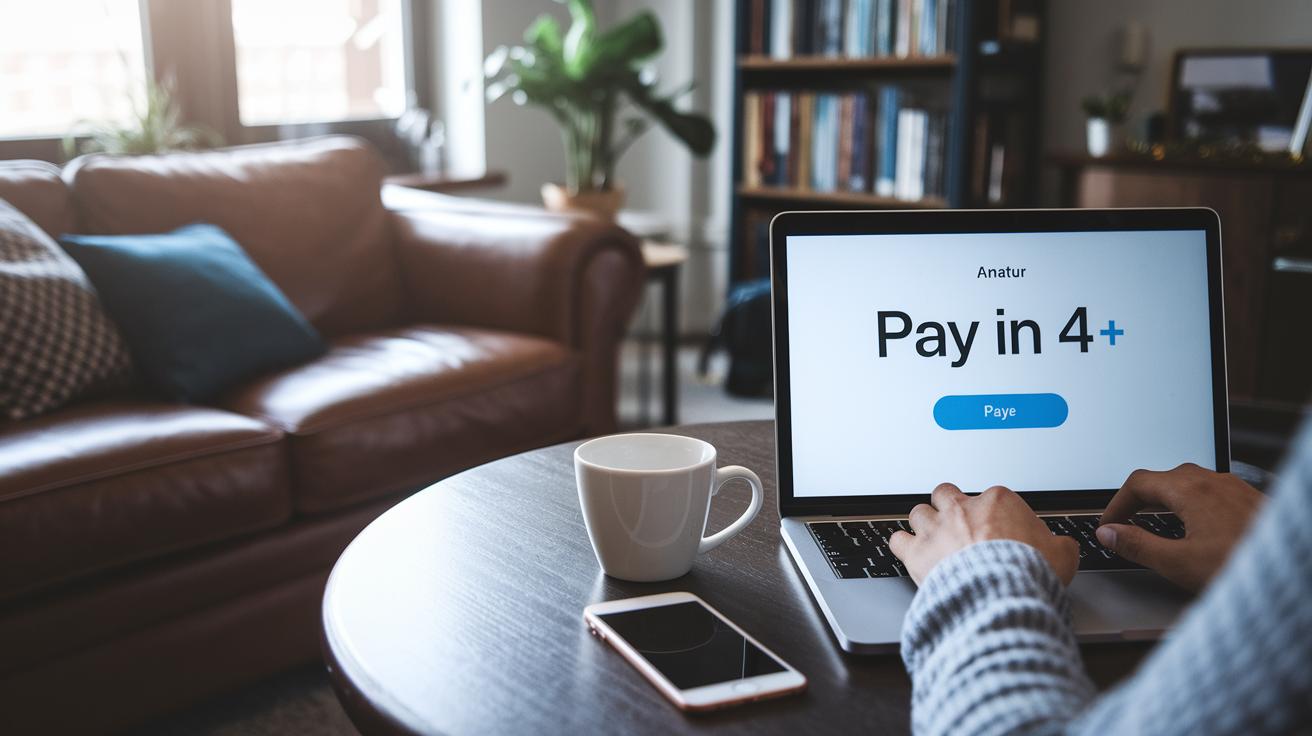
Selecting Pay in 4 at Checkout
When you’re ready to finish your shopping, look for the option that says "Pay in 4." It shows up along with your other payment choices. For instance, if you’re picking out a new laptop, just add it to your cart and tap "Pay in 4" to start a simple split payment plan.
Completing Personal and Payment Details
After choosing "Pay in 4," log into your PayPal account. This step is like signing into a secure portal where you confirm your identity and update your shipping and billing info. It makes sure that all your details are accurate so the purchase goes through smoothly.
Reviewing and Accepting Installment Terms
Next, you’ll see an easy-to-read agreement that lays out the purchase amount, your repayment dates, and how much will be automatically deducted. Think of it as a clear guide showing how your payments are divided over time. Take a moment to review the details before you confirm, so you know exactly what to expect.
Managing Payments and Refunds
Once you agree to the terms, a soft credit check is run. If everything looks good, your biweekly payment schedule kicks in. You can check your upcoming payments, look back at your payment history, or even pay off your balance early right from your PayPal dashboard. And if you ever need a refund, it’s processed smoothly from the same dashboard.
Benefits and Risks of PayPal Pay Later Usage
This tool helps you spread out your monthly spending by letting you split costs digitally so you can manage your cash flow easily. Before tools like this existed, many folks avoided big purchases because payment schedules were clunky and hard to manage. It shows how modern tech fits smoothly into our financial lives.
Using this service means keeping a close eye on your payment schedule. If you miss a payment, you might end up with extra charges and your account could suffer. Think of it like tuning a guitar, when every string is in tune, the music sounds right; if one string is off, the whole tune gets disrupted.
It works best for people with a steady income who appreciate digital tools. When you stick to a disciplined budget, this tool can be a great helper in tracking your spending without rehashing old warnings about late payments.
Merchant Integration and Optimization of PayPal Pay Later

Setup and API Configuration
Merchants can quickly turn on the Pay in 4 feature by updating their PayPal payment settings or linking up through REST API endpoints, which are like digital doorways that let your system chat directly with PayPal. Once it’s set up, shoppers will see the option to split their payment at checkout alongside the usual choices. It’s as simple as adding a new button to your payment flow, and the API connection makes everything run in real time. Even though you keep paying your standard processing fees, offering this modern payment method might boost your average order value and help cut down on cart abandonment.
Monitoring Transactions and Handling Refunds
After you set everything up, you can manage all transactions, refunds, and view key data right from the PayPal Merchant Dashboard. Think of the dashboard as your personal control center where every payment and refund is tracked live. You can easily dive into transaction details, process refunds, and even tweak the messages on your product pages to highlight the Pay in 4 option. Keeping a close watch on these details helps you fine-tune the checkout experience, ensuring smoother operations and happier customers.
Final Words
In the action, we explored the core features of PayPal Pay Later, from its interest-free split-payment setup to clear eligibility and fee guidelines. We walked through its structured billing, detailed application steps, and tips for merchant setup.
We also weighed its benefits against possible risks, all while keeping a friendly tone that makes complex financial details feel clear. Curious how does paypal pay later work? We hope this rundown leaves you feeling positive and ready to make smarter financial choices.
FAQ
How does PayPal Pay Later work on Reddit?
The explanation of PayPal Pay Later on Reddit shows it splits your purchase into four equal, interest-free installments, with deductions scheduled at checkout and every two weeks thereafter if you meet the service requirements.
What are the PayPal Pay Later requirements?
The PayPal Pay Later requirements mean you must have an active PayPal account, make purchases between $30 and $1,500, and pass a soft credit check that won’t affect your credit score.
How do you get approved for PayPal Pay in 4?
The process to get approved for PayPal Pay in 4 involves using your PayPal account, meeting the purchase limit, and passing a soft credit check that evaluates your account history without impacting your credit score.
Who accepts PayPal Pay in 4?
The answer to who accepts PayPal Pay in 4 is that many online retailers featuring PayPal as a checkout option have integrated this service, making it widely available across various digital stores.
What is involved in a PayPal Pay Monthly application?
The PayPal Pay Monthly application requires selecting the deferred payment option at checkout, signing into your PayPal account, entering purchase details, and agreeing to the terms outlined in your installment plan.
Which stores offer PayPal Pay Later?
The list of stores accepting PayPal Pay Later spans numerous popular online retailers that offer PayPal at checkout, allowing customers to split payments conveniently at the point of sale.
How does PayPal Pay Later work for sellers?
The explanation for how PayPal Pay Later works for sellers is that merchants integrate the option into their checkout systems, either through settings or API, which may help increase order values and reduce cart abandonment.
What is the PayPal Pay in 4 virtual card?
The role of the PayPal Pay in 4 virtual card is to enable online purchases without a physical card, serving as a temporary payment method linked to your PayPal account and installment plan.
How do you use PayPal Pay Later?
The answer to how you use PayPal Pay Later is that you select “Pay in 4” at checkout, log into your PayPal account, and agree to the scheduled payment plan, with deductions set every two weeks.
Does everyone get approved for PayPal Pay Later?
The explanation of eligibility for PayPal Pay Later is that approval isn’t automatic; you must meet purchase amount limits, hold an active account, and pass a soft credit check to qualify.
Is Pay Later with PayPal worth it?
The feedback on whether Pay Later with PayPal is worth it indicates that it’s valuable for those seeking interest-free installment options that boost purchasing power and simplify checkouts when requirements are met.
What happens when you use PayPal Pay Later?
The response to what happens with PayPal Pay Later is that your purchase is divided into four scheduled payments—the initial 25% at checkout and the rest deducted every two weeks—making your expenses more manageable.
How does PayPal Pay Later compare to Afterpay, Splitit, Klarna, Affirm, and Sezzle?
The comparison shows that PayPal Pay Later offers a familiar, interest-free split-payment service integrated with PayPal accounts, while each competitor provides similar deferred payment options with slightly different eligibility and feature sets.


