
Have you ever thought that the way you pay could change your whole shopping experience? Sam’s Club makes it simple by offering a range of fast payment options designed with ease in mind.
In the store, you can choose cash, a debit card, or even use Visa, each option set up to help you breeze through checkout. Shopping online? They’ve got digital wallets and credit cards ready to go, so you never get stuck waiting.
This guide walks you through your payment choices and points out which one might be best for you. It’s all about making your checkout as smooth and quick as possible, every single time you visit Sam’s Club.
Sam’s Club Payment Methods Explained
At Sam’s Club, you get flexible ways to pay no matter if you’re shopping in person or online. When you’re inside the club, you can pay with cash, any debit card (no worries about brand restrictions), or a Visa credit card. Online, it’s a bit more open, offering major credit cards, digital wallets, and various other online payment options. Keep in mind, what you can use online might change depending on where you are and if you’re picking up your order or having it delivered. For example, you might use a debit card at the store but choose a digital wallet when buying through the website.
Inside the club, payment options are pretty simple. Cash is a classic choice that lets you pay quickly without any extra checks. Debit cards work smoothly since they aren’t tied to any one bank, and if you’re using a credit card in-store, only Visa does the trick. Gift cards are also an option; they work both in the club and online, which makes them really handy no matter how you shop. Online shoppers can also take advantage of several digital payment methods provided on the site.
There are some small details to keep in mind. Payment limits and available methods might change based on where you shop and how you pay. Plus, if you have a Sam’s Club credit card, you might be eligible for rewards and special financing offers on your purchases. It’s smart to check the latest policy or ask locally before you check out.
Credit and Debit Payment Options at Sam's Club
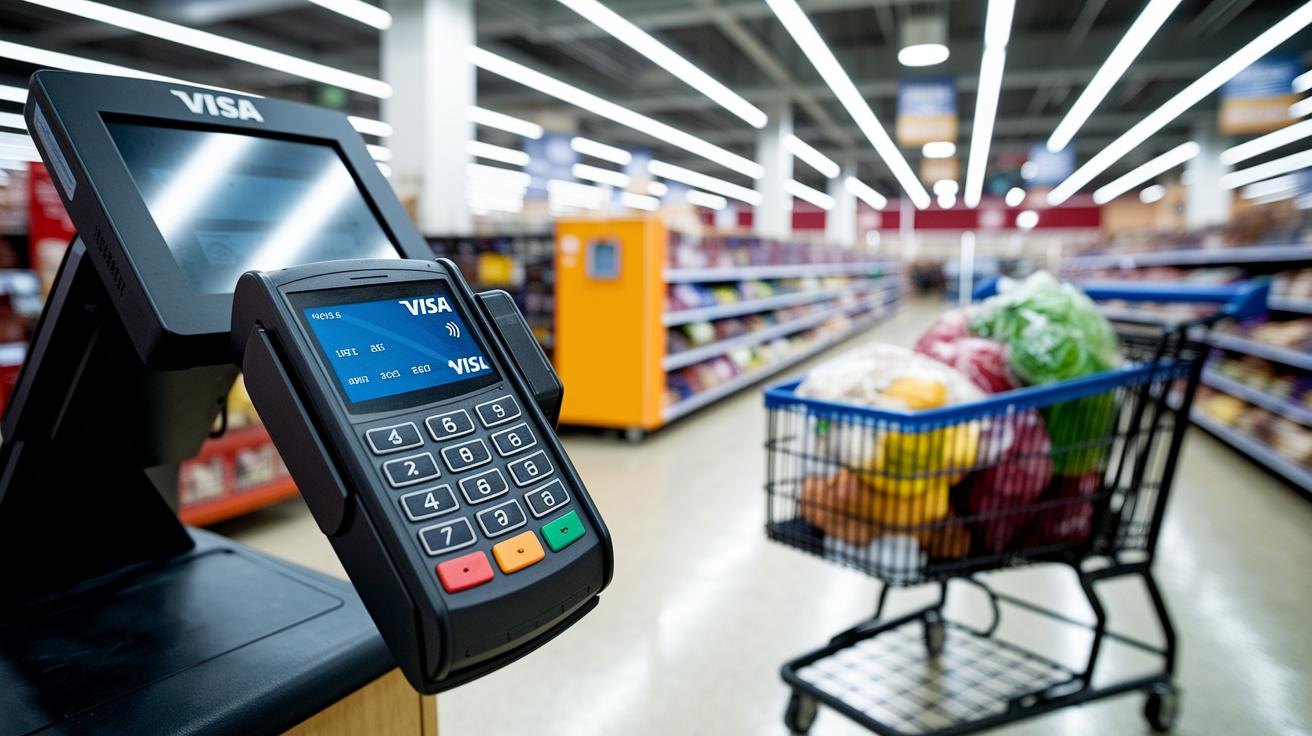
At Sam's Club, the payment options are simple and clear. When you shop in-store, you can use any debit card without worrying about what brand it is, but if you want to use a credit card at the register, only Visa will work. Online, however, you can use several types of credit cards, like Visa, MasterCard, and American Express. Plus, members can pick up the Sam's Club Mastercard from Synchrony Bank, which comes with special rewards and financing perks just for being a member.
Accepted Debit Cards
Using debit cards at Sam's Club is pretty straightforward:
- Any brand is accepted when you shop in-store.
- A PIN is needed if your purchase goes over a certain amount.
Accepted Credit Cards
When it comes to credit cards, there are a few differences between in-store and online shopping. In the club, only Visa credit cards are accepted at the cash register. Online, you have more choices, including Visa, MasterCard, and American Express. And don’t forget, the exclusive Sam's Club Mastercard not only works for purchases but also gives extra rewards and financing options for members.
Keep in mind that transaction limits can change depending on where you are, and higher purchase amounts on debit may need a PIN. It’s a good idea to check your local policy to stay updated with any changes.
Gift Card, Cash, and EBT Payment Methods at Sam’s Club
At Sam’s Club, gift cards work just like prepaid cash. You can use them for any purchase, whether you shop in the club or order online. In-store, simply show your gift card at the register, and it’s as quick as paying with actual cash.
Now, when you’re paying with cash, keep in mind that while most items accept cash at the register, fuel pumps don’t. It’s a little detail that’s handy to know, especially if you plan on filling up your tank using cash.
For food purchases, EBT SNAP benefits come into play. They cover only food items and can be used at club registers. If you’re buying groceries, you can even split your payment; that means using EBT for part of your order and another payment method for the rest. Just remember, EBT isn’t available for non-food items.
This setup helps you manage your spending wisely, all while keeping your purchases in line with the club’s guidelines.
Mobile Wallet and Digital Payment Solutions at Sam’s Club
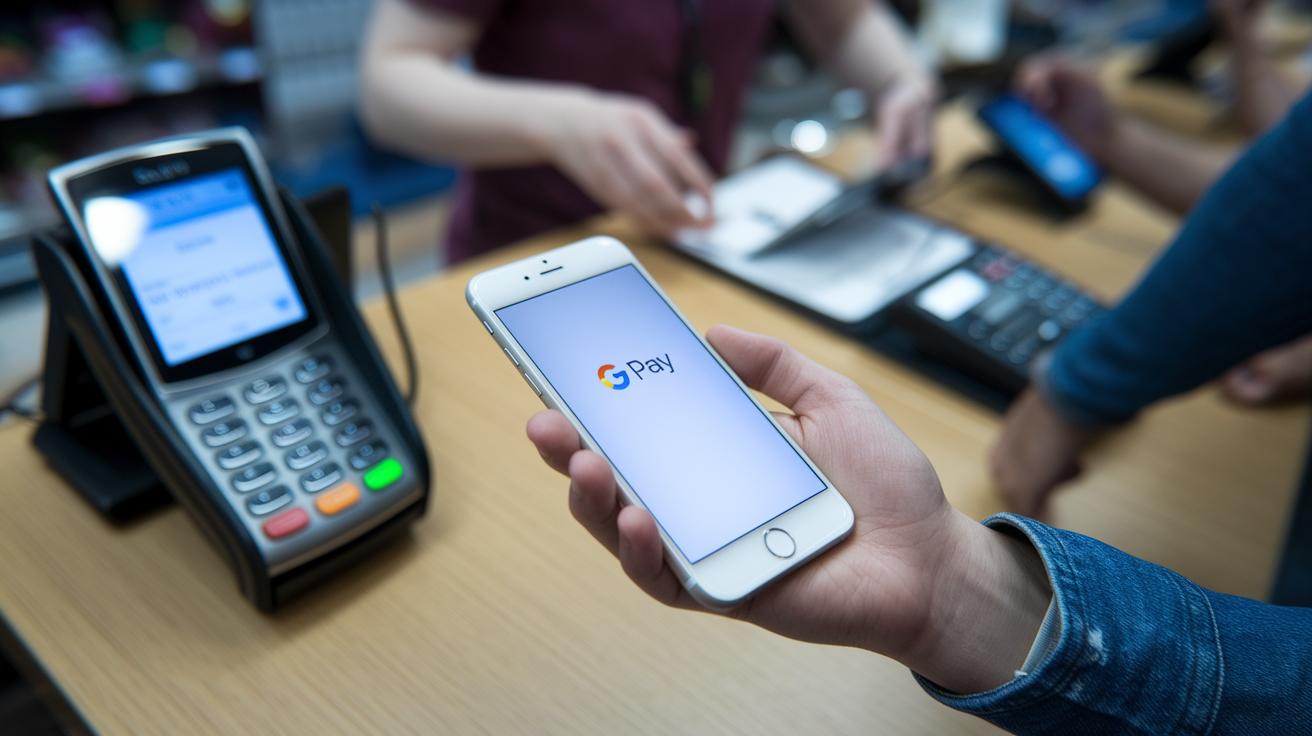
At Sam’s Club, you might be surprised to learn that you can’t use Apple Pay in store right now. This has left many members a bit frustrated because they were expecting to use the popular digital wallet option. One shopper shared, "I was ready to pay with Apple Pay and the option just wasn’t there," a sentiment that many seem to share.
Some locations have stepped up with other contactless payment methods. Instead of Apple Pay, you can use Google Pay or Samsung Pay at the registers, which makes your checkout quick and smooth. And if you’re shopping online, digital payments like PayPal are available alongside other web-based options. One member noted, "Using Google Pay made my checkout both effortless and fast," really highlighting the ease of these alternatives.
It’s important to remember that the digital wallet options can differ depending on your local club. Some stores offer more robust contactless services than others. Sam’s Club is actively exploring new partnerships to expand mobile payment options, so we can look forward to even more convenience and speed in the future.
Sam’s Club Credit Card and Member-Exclusive Payment Benefits
The Sam’s Club Mastercard is just for members, and it opens the door to some pretty neat rewards. You earn cash back or points when you shop at the club, fill up on gas, or grab groceries. This card is built for those who visit the club often, letting your daily spending pile up extra bonus points in no time. One member even said that every grocery run made their points balance grow noticeably!
You can also use the card to pay for your membership and renewals. Sometimes, there are cool financing deals like no-interest periods that can help with bigger expenses. By using your card to cover fees, you not only make paying simpler but also boost your rewards. It’s a smart way to manage yearly costs while enjoying extra financial perks.
Managing your account is a breeze, too. The Synchrony Bank online portal lets you check statements, make payments, and track your rewards. It keeps your transaction history and upcoming fees all clear and easy to follow, so you always feel in control. One member mentioned that checking their statement online is both quick and comforting, a little reminder that staying on top of your finances can be simple.
Fuel Purchase Payment Methods at Sam’s Club Gas Stations

When you pull up to a Sam’s Club gas pump, paying for fuel is super easy. You simply scan your membership barcode or drop your payment card into the machine. The pump quickly reads your barcode to speed things up, so you’re not held up.
If you’d rather use a different method, just insert your payment card at the right spot. This clear, step-by-step process helps you move from filling up to paying without any fuss, letting you focus on the rest of your day.
At the pump, you can pay with a Visa credit card, a debit card that requires a PIN (your personal security code), or the special Sam’s Club Mastercard that comes with extra member perks. Just remember, if you want to pay with cash, you need to complete your transaction inside the club after you’ve fueled up. Also, some areas might have state rules that limit pump purchases, so it’s a good idea to check locally for any specific restrictions before you pay.
In-Store Versus Online Payment Processes at Sam’s Club
When you shop in person, you can pay using cash, debit cards, Visa credit cards, or gift cards at the register or self-checkout kiosk. A few locations even accept limited mobile wallet options. One customer mentioned that paying at the store feels straightforward and fast.
Online, on the Sam’s Club website or app, you have more choices. You can use Visa, MasterCard, American Express, gift cards, PayPal, and some digital wallets. Keep in mind that digital wallet transactions may take different amounts of time and sometimes have extra fees. Also, the payment options might change depending on whether you're picking up your order or having it delivered.
| Payment Method | In-Store Acceptance | Online Acceptance |
|---|---|---|
| Cash | Yes | No |
| Debit Card | Yes | Yes |
| Visa Credit | Yes | Yes |
| Sam’s Club Credit Card | Limited | Yes |
| Gift Card | Yes | Yes |
| Mobile Wallet | Limited | Yes |
sam's club payment methods: Effortless and Fast Payments

Keeping an eye on your payments is as simple as checking your local club’s rules every now and then, since they might update accepted payment methods or set new transaction limits. It really helps to enable digital receipts through the Sam’s Club app, you get a quick look at your purchase history right at your fingertips. One member mentioned, "After setting up digital receipts, I noticed a small charge that didn’t belong on my statement."
Take a moment to review your Synchrony Bank statements online regularly. This simple routine can help you catch any strange or unauthorized charges pretty early, like doing a mini check-up on your finances. It’s all about making sure every transaction is just right.
Also, securing your card details is a big deal. Always keep your gift-card PINs somewhere safe, and update any stored payment info in your Sam’s Club account to avoid any hiccups at checkout. And if something seems off, maybe a glitch or an unexpected charge, don’t hesitate to contact Sam’s Club customer support or the Synchrony Bank helpline.
These easy habits not only keep your transactions running smoothly but also help ensure that surprises on your financial statements stay far away.
Final Words
In the action, we broke down how Sam’s Club handles different sam's club payment methods, from in-store cash and debit transactions to online digital wallets and credit options. We laid out each method clearly, highlighting cash, debit, Visa credit, gift cards, and even mobile options. Special conditions and guidelines can vary by location, so keeping an eye on updates helps keep things smooth. Enjoy the ease and clarity when making payments, and feel good knowing you have reliable choices at Sam’s Club.
FAQ
What credit cards does Sam’s Club accept and how does credit card payment work?
The Sam’s Club credit card payment option accepts only Visa in-store, while online you can use Visa, Mastercard, American Express, and the exclusive Sam’s Club Mastercard, which also earns rewards for members.
How does the pay-as-guest option, including the Sam’s Club Pay as Guest App, work?
The pay-as-guest method lets you complete purchases without a full account. Whether using the guest app or self-checkout, available payment methods mirror traditional options for a seamless transaction.
How can I pay my bill at Sam’s Club, including paying by phone if available?
Paying your bill at Sam’s Club involves using in-store registers, the mobile app, online checkout, or, if supported by your club, phone payments. Always review local guidelines for the available practices.
Can I use EBT at Sam’s Club self-checkout?
The EBT benefit is generally accepted for qualifying food items at registers, although self-checkout availability may be restricted. Check with your local club to understand any specific limitations on EBT use.
Does Sam’s Club accept OTC cards online?
Although Sam’s Club accepts various payment options online, OTC cards are typically not among them. It’s best to refer to the official online payment guidelines or contact customer support for clarity.
How do I remove a credit card from the Sam’s Club App?
To remove a credit card in the Sam’s Club App, go to your payment settings, select the card you wish to delete, and follow the provided prompts. Consult the app’s help section if you encounter any issues.
Does Sam’s Club take Afterpay as a payment option?
Afterpay is not accepted for Sam’s Club purchases, whether in-store or online. Customers should use alternative methods such as credit cards, debit cards, or digital wallets available at checkout.
How can I pay at Sam’s Club without using a card?
If you prefer not to use a card, you can pay at Sam’s Club using cash, debit cards, gift cards, or available mobile wallet options online. Verify with your local club for any additional accepted alternatives.


