
Ever wish managing money was as simple as sending a quick text? Bank of America's mobile app makes it easy to handle your finances anytime you want. Instead of standing in long lines or making a special trip to the bank, you can check your accounts right from your smartphone or tablet. With just a few taps, you can keep track of your balance and recent activities, day and night. Today, we’ll show you how this app turns financial tasks into almost effortless steps, all while keeping your personal data safe.
Getting Started with Bank of America Mobile Banking: Download, Install & Enroll
If you're ready to simplify your banking on the go, the Bank of America mobile app is available for both iOS and Android. It works smoothly on your smartphone or tablet if your operating system is up-to-date. Plus, you'll have secure access to your accounts any time you need it, 24 hours a day, seven days a week.
Start by opening your device’s app store and downloading the app. Once installed, you'll go through a quick, step-by-step process that safely confirms your identity and protects your personal information. It really is as easy as a friendly conversation.
Here’s how to get set up:
- Tap the Enroll button on the login screen.
- Type in the last six digits of your debit or credit card.
- Enter your Social Security number or Tax ID number for the initial check.
- Provide your email address and confirm it so you can receive an authorization code.
- Wait for that code to arrive, then enter it as prompted.
- Next, add your ATM or debit card number for an extra security step.
- Input your card’s PIN to further verify your identity.
- Read and agree to the eCommunications Disclosure and Online Banking Service Agreement by checking the options and tapping the I agree button.
- Finally, create and confirm your new User ID and password to complete the setup.
And don’t worry, your Mobile and Online Banking credentials stay the same, giving you a smooth experience across platforms. Enrolling in Mobile Banking is free, so you can easily manage your checking, savings, credit, and even investment accounts. Just keep in mind that while standard banking features are complimentary, some transactions or additional services might come with extra fees.
Navigating the BofA App Interface on Smartphone and Tablet
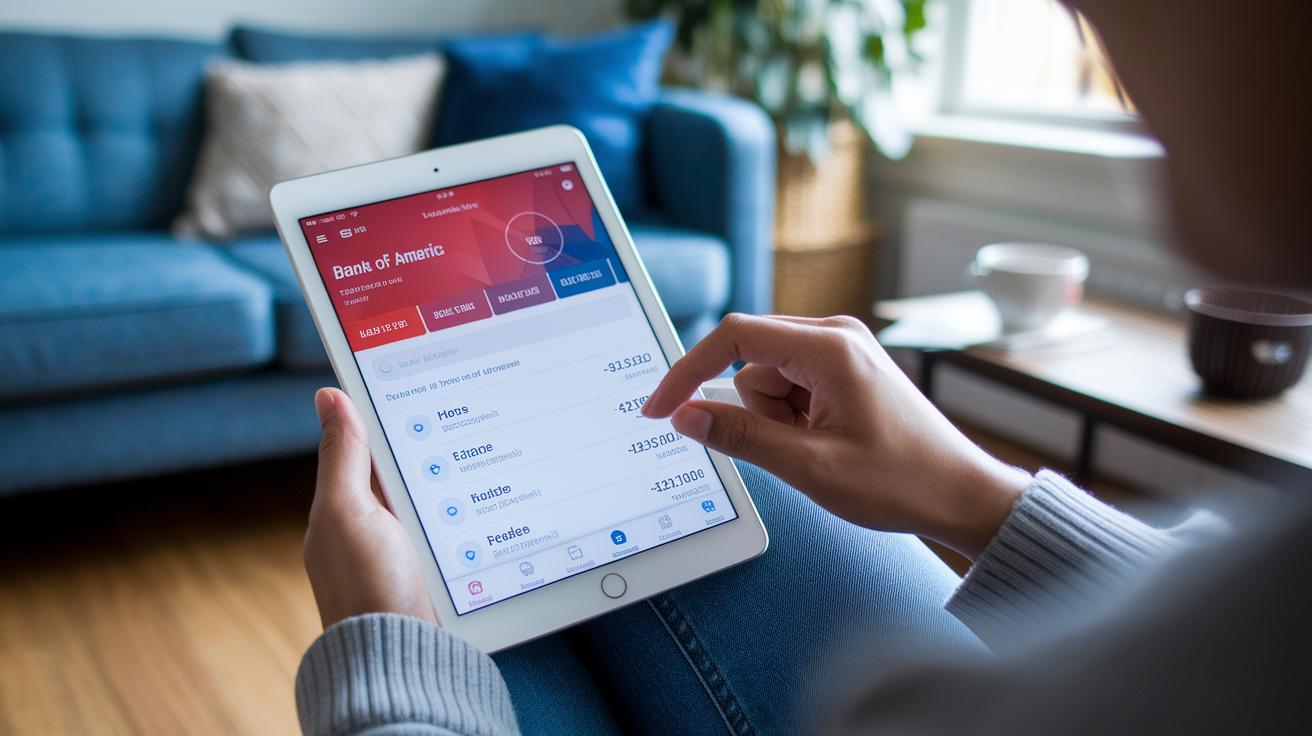
The Bank of America mobile app instantly adapts whether you're on a smartphone or a tablet. Its smart design makes sure every part, from the top header down to the dashboard, fits your screen perfectly. You'll see a simple, clear menu that splits functions into Home, Accounts, Transfers, and Pay & More. Plus, the header always shows Log In, Contact Us, and En Español, keeping things friendly and easy to navigate.
- Home: Gives you a quick look at your account balances and recent transactions in a clear and simple style.
- Accounts: Lets you dig into details for checking, savings, and investment accounts while also reviewing past activities.
- Transfers: Makes sending money fast and secure, so you can move funds with ease.
- Pay & More: Puts additional services like bill payments and other handy banking tasks all in one place.
Erica Virtual Financial Assistant:
Just tap the Erica icon at the bottom of the screen for a quick, friendly assist. Erica can answer balance questions, offer insights on spending, and even share personalized tips right when you need them.
The dashboard also shows your FICO Score, letting you check your credit health without any worry about impacting it. And if you're using a tablet, you'll enjoy an even more optimized layout that keeps every feature clear and user-friendly. It's like having a smooth, straightforward banking experience right at your fingertips.
Core Features of Bank of America Mobile Banking: Deposits, Transfers & Payments
Bank of America’s mobile banking puts you in control of your money with a range of easy-to-use tools. Imagine snapping a photo to deposit a check, transferring funds between your accounts, or sending money to a friend, all from your phone. It’s like having a mini bank in your pocket that’s secure and fast.
The app lets you deposit a check by taking pictures of both the front and back. It then quickly shows you details like deposit limits and processing times. Isn’t it cool how technology makes banking feel so personal and efficient?
| Feature | Description |
|---|---|
| Mobile Check Deposit | Snap photos of the check’s front and back to deposit it, with real-time updates on limits and processing progress. |
| Zelle® | Easily send money to family and friends using a friendly, peer-to-peer payment system. |
| Internal Transfers | Quickly move funds between your Bank of America accounts to manage your cash flow with ease. |
| Wires | Securely transfer larger sums of money using bank wire services when you need to make big transactions. |
| Bill Pay | Set up both recurring and one-time bill payments so that your expenses are always on schedule. |
You also get handy alerts: instant notifications tell you when your check is processed, transfer alerts keep you in the know about money movements, and low balance warnings help monitor your funds throughout the day.
Plus, the app makes enrolling in direct deposit a breeze. Need extra copies of your checks? You can order them right there, making your overall banking experience smooth and stress-free, whether you're at home or on the go.
Security and Protection in Bank of America Mobile Banking

Bank of America mobile banking uses strong encryption to protect your personal information as it moves between your phone and the bank’s servers. The app secures your data using tried-and-tested industry-standard methods, making it really hard for anyone else to grab your details. It also lets you sign in with Touch ID or Face ID, quick, simple checks to confirm it's really you. And with a two-step verification via SMS, you get a unique code on your phone each time, adding an extra layer of security. All these measures come together to create a safe space for you to handle your money wherever you are.
The app also keeps your account secure with features like session timeouts and automatic logouts, which help prevent unauthorized access if you forget to sign out. It even has a built-in fraud detection system that keeps an eye out for any odd activity and lets you know if something isn’t right. Plus, the Security Center offers practical advice on spotting phishing scams and staying safe online, learn more about digital banking security challenges by exploring the provided link. Together, these features give you peace of mind as you bank on the go.
- Use a strong, unique PIN for your account.
- Enable biometric login for quick and secure access.
- Avoid using public Wi-Fi or make sure to use a trusted VPN if you must.
Troubleshooting and Support for Bank of America Mobile Banking
If you're having trouble logging in or depositing checks, chances are it's due to a small error, maybe a mistyped password or a check image that’s not quite clear enough. Usually, a quick password reset or following the app’s image guidelines can solve the issue. And if connection problems or security concerns pop up, the Help Center is there with easy, step-by-step guides and video demos to get you back on track.
Here’s how you can get help:
- In-app customer chat: Available 24/7 to answer your questions in real time and give you personalized support.
- Phone support: Call the dedicated line, with options for Spanish, for immediate assistance with sign-in or deposit issues.
- Online Help Center: Check out detailed guides and video demos that walk you through common login errors and image issues when depositing checks.
If you keep having trouble signing in, account recovery options are available. And remember, support in Spanish ensures that everyone gets the clear help they need.
Customizing and Personalizing Your Bank of America Mobile Banking Experience

The Bank of America mobile app gives you a dashboard you can truly make your own. You get to choose the widgets that show your favorite accounts and spending categories, so you see just what matters to you. With a quick tap, you can add or move these widgets around. It’s like having a personalized financial snapshot that keeps you in the know about your account balances and spending habits.
The app also comes with a budgeting tool that follows your spending trends and sends you alerts to help keep your goals on track. And if you like the idea of paying without cash or cards, it works with digital wallet services like Apple Pay, Samsung Pay, and Google Pay. This means paying contactlessly is easy and fast.
| Feature | Description |
|---|---|
| Custom Alerts | Notifies you about transaction limits, low balances, and upcoming due dates. |
| Budgeting Tool | Tracks your spending trends and helps you stick to your financial goals. |
| Digital Wallet Setup | Supports Apple Pay, Samsung Pay, and Google Pay for seamless contactless payments. |
| Receipt Storage | Securely keeps digital copies of your receipts for several years. |
| Favorite-Payees List | Makes it easy to manage and process regular payments. |
Digital receipts are stored for up to seven years, giving you long-lasting access to your financial records. It’s a straightforward way to keep your money matters organized and accessible, all tailored just for you.
Final Words
In the action of exploring the complete guide, this article walked us through downloading, enrolling, and navigating the app with clear step-by-step instructions. It highlighted key features, like mobile deposits, transfers, and customizable dashboards, along with thorough security tips and troubleshooting methods.
Bank of America mobile banking offers users a straightforward way to manage finances and stay updated with the latest fintech trends. The insights serve to boost confidence, making it easier to take control of everyday financial moves. Enjoy the clarity and support this app delivers.
FAQ
How do I log into Bank of America’s mobile banking and online accounts?
Logging into Bank of America’s mobile and online banking means entering your User ID and password on the secure login page. The same credentials work across both platforms.
How do I sign up and set up mobile banking with Bank of America?
Signing up for Bank of America mobile banking starts with downloading the app, tapping Enroll, and following guided steps like entering card details and verifying your email. It’s streamlined and simple.
What options are available to download Bank of America’s mobile banking app?
Bank of America’s mobile app is available on your device’s app store for iOS and Android. Android users can also find an APK download option, ensuring quick and easy access.
How can I contact Bank of America’s customer service, including a mobile banking phone number?
You can reach Bank of America’s customer service via a dedicated phone line listed in the mobile app and on their website. In-app chat and Spanish-line support are also available for direct assistance.
How do I access my Bank of America credit card account online?
Accessing your Bank of America credit card account online involves using your existing User ID and password on the dedicated credit card login page, offering secure management of your credit transactions.
What distinguishes Bank of America’s online banking from mobile banking?
Bank of America’s online banking offers a full desktop experience, while the mobile version is optimized for quick, on-the-go tasks. Both options share credentials and deliver secure access to your financial information.
How do I avoid the $12 monthly fee at Bank of America?
Avoiding the $12 monthly fee usually means meeting minimum balance requirements or choosing fee-waived account options. Reviewing the account policy helps you pick the structure that fits your financial needs.
Is Bank of America’s mobile banking working reliably?
Bank of America’s mobile banking is designed for secure, round-the-clock access with real-time updates. Users normally experience reliable service, though brief maintenance periods can occasionally occur.


