
Ever wonder if banking can keep up with your busy life? SBI mobile banking makes managing your money feel as simple as ordering your favorite snack online.
The login is secure, and registering is a breeze. Each tap quickly opens your financial world, letting you check your balance or send money as easily as sending a text.
In our fast-paced world, this app brings a fresh twist to everyday banking. It mixes speed with a friendly, reliable experience that really works for you.
Getting Started with SBI Mobile Banking: Download, Registration & Login
First things first, download the SBI mobile banking app. If you're on an Android device (Android 5.0 or later), head over to the Google Play Store. If you have an iOS device (iOS 11 or later), just visit the App Store. The process is simple: search for the SBI app, tap install, and let it finish, almost like ordering your favorite snack online.
Once the app is installed, open it and start your registration. You’ll be asked to enter your CIF number, account number, and ATM PIN. Think of it as using a key to unlock your financial account; your details are what open the door to your digital bank.
Next, you'll set up an MPIN, which is like a personal digital password. This step is key to keeping your account safe. For your first login, you simply use your user ID along with the new MPIN. The app will then send a one-time password (OTP) to your registered mobile phone for extra security. This quick check ensures that it’s really you trying to access your account.
After your initial login, you can add options like fingerprint or Face ID for even faster access next time. This means you get the security you need with the speed you want. And just like that, you'll be able to see your mini statement right away. Enjoy the smooth ride with SBI mobile banking from the very start.
sbi mobile banking: Enjoy Quick, Smooth Service
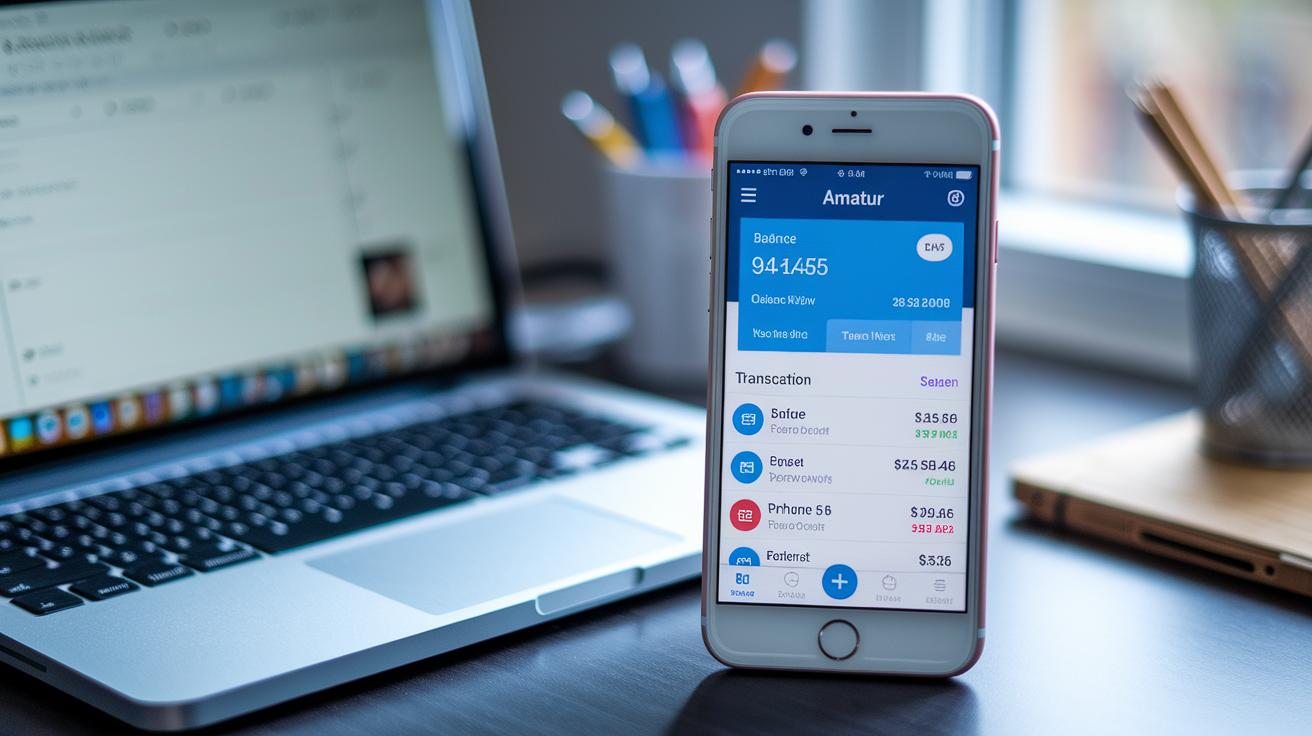
The app offers a variety of functions that make managing your money quick and easy. You can check your balance in real time right from the app or even get an SMS update. Imagine opening your banking app and instantly seeing your balance, just like checking the weather before you head out.
When you need to send money, the app makes the process both simple and secure. Whether you choose IMPS, NEFT, or RTGS (different methods for digital transfers), each one comes with a set limit to protect your funds. It’s like handing over cash immediately, but with the safety of digital security.
Using fingerprint or Face ID for login adds an extra layer of protection. It’s just like when your phone recognizes you automatically, making the whole login process smooth and hassle-free.
The app also lets you choose which push notifications you want to receive, whether they’re about deposits, withdrawals, or low balances. This way, keeping track of your finances is as easy as reading a text message.
Plus, instant transfers through UPI and virtual debit card payments make moving your money seamless and worry-free.
| Feature | Benefit |
|---|---|
| Real-time Balance Checks | Instant overview of your funds |
| Biometric Login | Extra security with fingerprint or Face ID |
| Push Notifications | Stay updated with instant alerts |
Managing Transactions Securely with SBI Mobile Banking
When you open the SBI mobile banking app, managing your money feels both simple and secure. First off, add your payees so that when it’s time to send money, you can do it in just a few taps. You'll also notice clear daily limits for various transfer types like IMPS, NEFT, RTGS, and UPI. Think of these limits as friendly safety checks designed to protect your funds.
When you decide to transfer money, just enter the amount and wait for a one-time password (OTP), a short, digital key sent to your phone that confirms it's really you authorizing the transfer. This little extra step helps keep your funds safe.
Here are a few key points:
- Adding beneficiaries makes future transfers quicker and simpler.
- Keeping an eye on your transfer limits helps you manage your spending easily.
- Choosing between IMPS, NEFT, RTGS, or UPI lets you pick a method that fits your needs.
- Using an OTP adds a crucial layer of security to your transactions.
After each transfer, you can check your transaction history right in the app. For a fast snapshot of your recent activity, the mini statement available via SMS or in-app summary is really useful. And if you often send money, scheduling recurring transfers can turn managing payments into a breeze.
Troubleshooting Common SBI Mobile Banking Issues

When you run into errors, first check if your OTP is taking its time. Sometimes just waiting a few moments or asking for a fresh OTP does the trick, kind of like reloading a webpage when it won’t load.
If you see error codes like E102, which means your MPIN isn’t right, or E201, hinting at a network hiccup, double-check your details. For example, to fix an E102 error, simply go to the reset section, enter your current MPIN, and set up a new one.
Clearing your app’s cache is another simple step that can wipe out glitches and speed things up. Also, keeping your app updated guarantees you get the latest fixes and features. So, watch for those update alerts on your device.
Sometimes, issues with the layout might be tied to your profile settings. If that happens, try adjusting your language or notification preferences in the profile management section. And if the app looks offline because of scheduled maintenance, checking the service outage details can clear things up.
| Error Code | Recommended Action |
|---|---|
| E102 | Reset MPIN |
| E201 | Verify network settings |
Security Best Practices for SBI Mobile Banking Users
Start by choosing a strong MPIN. Pick something unexpected but easy for you to recall, it’s like your personal secret handshake to protect your account. Adding biometric options such as fingerprint or Face ID gives you an extra layer of safety, making it really hard for others to peek in.
Automatic session timeouts also help keep your account secure. When you step away from your phone, the app logs you out on its own, which stops any unwanted activity. And remember, don’t share your OTP or MPIN with anyone, they’re like the keys to your private digital safe.
Make sure you keep your app updated. Updates aren’t just about new features; they patch up security holes and shield you from new threats. Installing these updates in time helps you stick to the latest data encryption rules and safety measures. For more info, you can check out regtech innovations for financial institutions.
Finally, turn on live transaction alerts to catch any unusual moves right away. And boost your security further by locking your device with a personal PIN or pattern. If something feels off, report it immediately using the in-app feedback or by calling the helpline, your quick action keeps your finances safe.
Compatibility, Updates & FAQ for SBI Mobile Banking
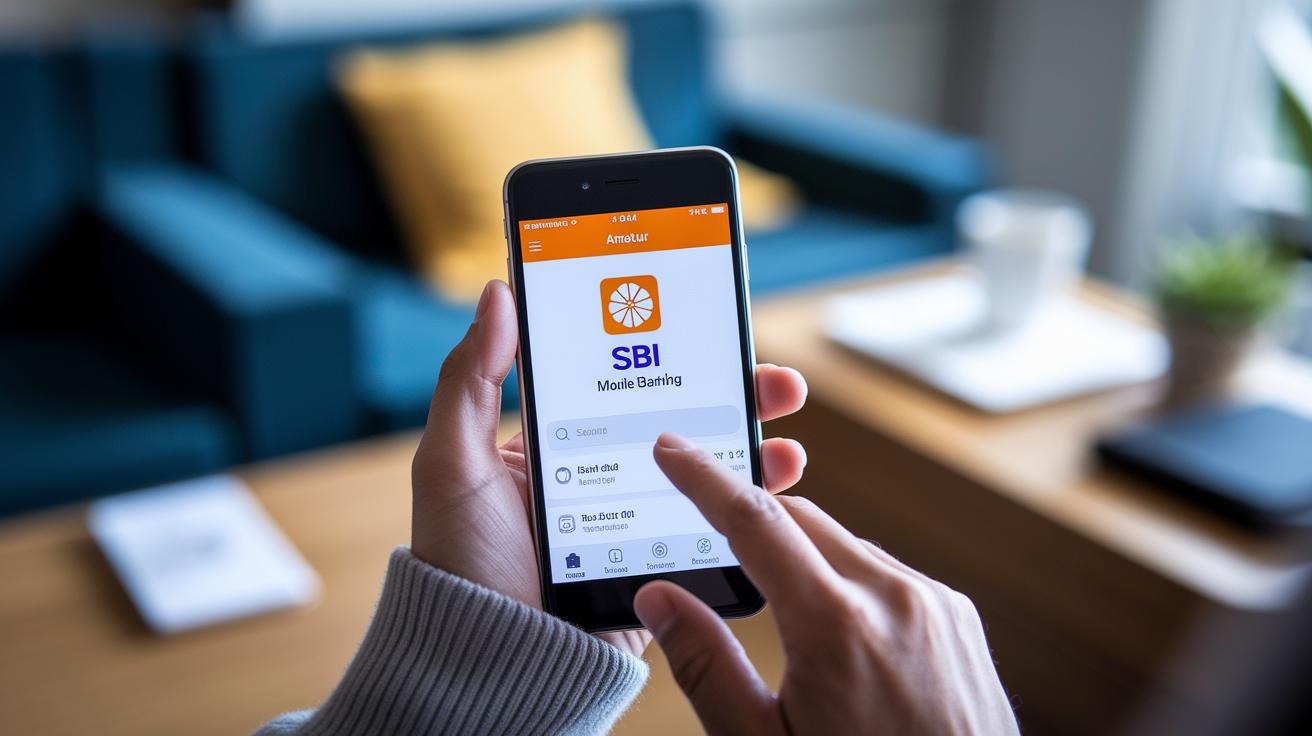
SBI mobile banking works great on Android devices with version 5.0 or higher and on iPhones running iOS 11 or later. It’s really easy to check if your phone is a match, just head to your settings and take a quick peek. Once you download the app, turning on auto-updates means you’ll always receive the newest fixes and features right away. If you ever wonder which version you’re on, just look in the app settings to make sure you’ve got the latest security patches and improvements.
The app sports a friendly design that helps you hop from one task to another without any fuss, whether it’s checking your account, transferring funds, or reviewing your transactions. Think of it as a simple guide that shows you the key areas in one clear step.
You’ll love that the app supports English, Hindi, and 12 regional languages. This means you can manage your money without any language hurdles. And if you have questions, the app includes a handy FAQ section that covers everything from resetting your MPIN if you forget it to linking a new device safely. It even explains what to do if your account locks after too many tries, how to turn on push notifications for alerts, and how to request a virtual debit card for online payments.
Each of these questions is answered clearly within the app, so you always have a little help when you need it.
Final Words
In the action of exploring the world of digital banking, we walked through downloading the app, completing registration, and navigating secure login steps. We highlighted key features like real-time balance checks, secure transfers, and troubleshooting tips, along with practical security practices to keep your account safe.
Each section provided clear, step-by-step instructions to help you confidently use sbi mobile banking. Enjoy the smooth, data-driven experience and embrace the simplicity of managing your finances securely.
FAQ
Frequently Asked Questions
What is SBI online net banking and how do I register?
SBI online net banking gives you secure access to manage your finances online. You register by entering your CIF, account details, and creating a login ID and MPIN for digital transactions.
How can I download and use the SBI mobile banking app, including YONO and YONO Lite?
Download the SBI mobile banking app from Google Play or App Store. Once installed, register using your CIF and account details, create an MPIN, and verify with an OTP. Both YONO and YONO Lite offer secure access on your phone.
How do I activate mobile banking on my SBI account?
Activating mobile banking means downloading the official app, registering your account details, creating an MPIN, and completing OTP verification so you can use digital banking anytime.
How can I check my SBI account balance?
Checking your balance is simple. After logging in with your user ID and MPIN on the app, you can view your real-time balance along with a mini statement and recent transactions.
What do I do if I forget my online SBI username or password?
If you forget your credentials, use the “Forgot username/password” link on the login page. Follow the identity verification steps to reset your user ID and password securely.
How do I log in to my SBI account online using mobile or net banking?
Log in by entering your user ID and MPIN on the mobile app or net banking portal. Complete the OTP verification prompted during sign-in to securely access your account.


