
Ever thought about how easy banking could be, almost as simple as texting a friend? With Axis Bank mobile banking, you can get started in just a few quick steps. You download the app, give a missed call, receive an SMS link, and log in securely. It’s as easy as that!
Your account stays safe with features like fingerprint scans and one-time passwords (OTP, a special code sent to confirm your identity). Everyday banking becomes smooth and secure, whether you're checking your balance or transferring funds.
It really is a modern way to handle money, making financial tasks feel as natural as chatting with a friend. Curious to see how this service fits into your life? Give it a try and experience a fresh, streamlined approach to banking.
Axis Bank Mobile Banking: Getting Started with App Download & Registration
Axis Mobile puts more than 250 handy banking services right in your hands, letting you bank easily as long as you've got a fast internet connection. It’s a really simple process, you just give a missed call and get a download link via SMS. Once you tap that link, you'll gain quick access to a full range of digital banking features.
Here’s how it works:
- Give a missed call to 8422992272.
- Open the SMS link on your Android or iOS device.
- Log in using your customer ID and set your MPIN.
- Activate the service by entering your debit card number and ATM PIN.
Besides these easy steps, you can also sign up for WhatsApp Banking. Ever notice how chatting over WhatsApp feels familiar? This option lets you stay updated on your account and make quick transactions just like you text your friends. Plus, the app also supports SMS and biometric banking. Biometrics means you can secure your account using fingerprint or facial recognition, a high-tech way to protect your money.
Whether you prefer the cozy simplicity of WhatsApp Banking or the extra security of biometric login, Axis Mobile gives you the flexibility to manage your finances just the way you like it.
Axis Bank Mobile Banking: Secure Login & Two-Factor Authentication

Two-factor authentication adds an extra lock on your online banking, keeping your password and transactions safe so you can confidently manage your money wherever you are.
Axis Mobile OTP is a handy tool that confirms your identity when you log in, transfer funds, or update your account. You need to be logged into the app to use it. And if you prefer a different method, you can switch to SMS or Email OTP, or even use One Touch Device by changing your profile settings. This way, you get a security method that suits you best. Want to learn about upcoming trends in banking security? Check out future trends in banking cybersecurity.
Setting up biometric login is easy. Just register your fingerprint or facial features in the app, then follow the on-screen steps to confirm it. This setup automatically creates one-time passcodes to give you fast, secure access.
And if you ever need to recover your password or reset your MPIN, the built-in guide walks you through each step. All these features work together to ensure you always have a smooth and secure login experience.
Axis Bank Mobile Banking: Navigating the App Interface & Dashboard Features
If you're using the Axis Mobile app, you'll see a dashboard that neatly presents all your accounts, whether it's digital savings, current, salary, or credit cards. With real-time balance updates, you always have an up-to-date picture of your funds. The design is straightforward, making it super easy to check your balance or recent transactions without any fuss.
You'll notice key sections like the account overview, quick actions, and various service categories. Quick actions let you dive into transfers, bill payments, or loan management with a simple tap. Plus, the menu neatly sorts over 250 services into groups like Accounts, Cards, Loans, Investments, and Forex. For instance, tapping on the Loans category instantly brings up all the related details right at your fingertips.
Customization is a breeze, too. You can rearrange your dashboard tiles, choose between a light or dark theme, and even set up quick-access buttons for your most-used activities. This means your app adapts to your personal habits, offering a smooth and personalized browsing experience.
If you ever need a little guidance, the in-app knowledge center is full of step-by-step tips and guides. And if you're still looking for more help, the organized help section provides clear instructions for every feature. It’s all about making your mobile banking experience as friendly and stress-free as possible.
Axis Bank Mobile Banking: Funds Transfer, Bill Payments & Wallet Integration
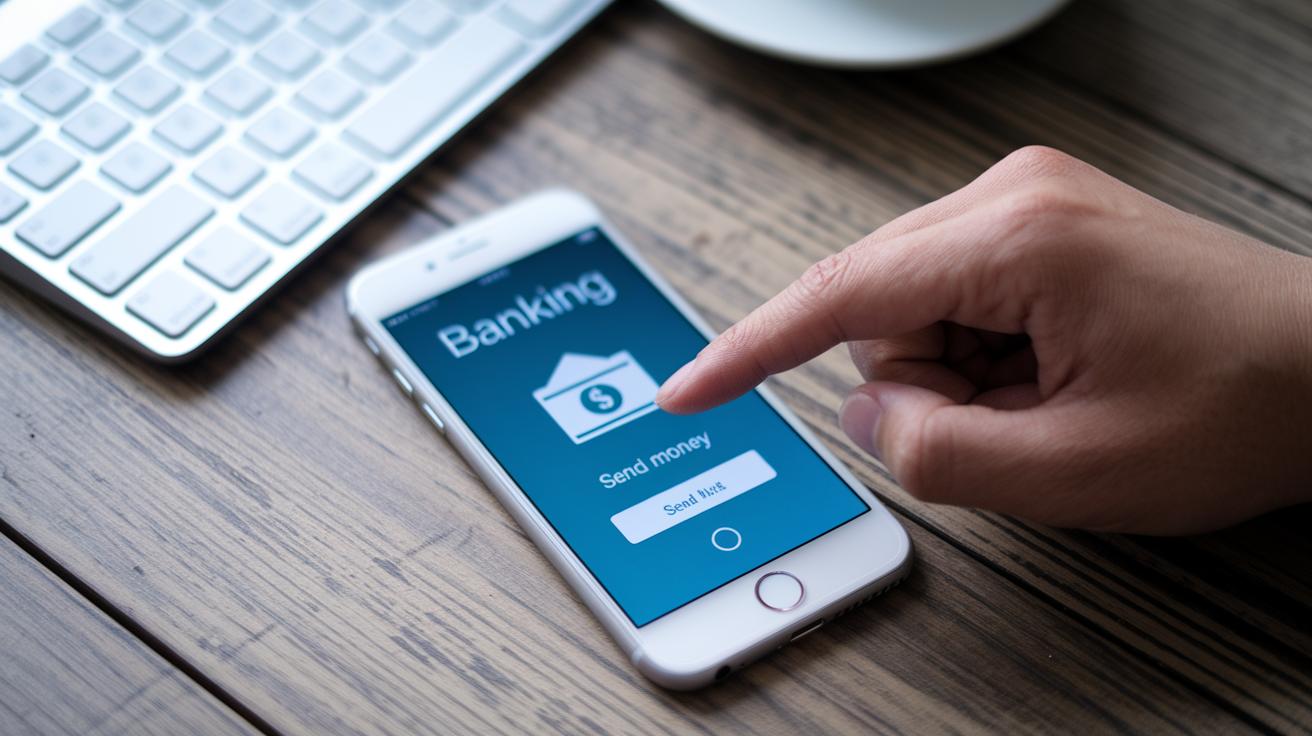
Axis Mobile is designed to make moving money and paying bills simple and convenient. Whether you're sending money to another Axis account or to someone at a different bank, you can choose between NEFT, IMPS, or RTGS transfers. The app also brings digital wallets into the mix with UPI and QR code scanning. This means you have plenty of payment options right at your fingertips.
NEFT/IMPS/RTGS Transfers
If you're making a bank transfer the old-fashioned way, just pick the beneficiary from the list in your app. Then, type in how much money you want to send and select the transfer method you prefer. Need to plan ahead? You can even schedule the transfer for later. This clear, step-by-step process keeps your money safe and lets you adjust daily limits as you go.
UPI & Wallet Payments
Paying with digital wallets is just as easy. Start by linking your UPI ID or adding your favorite digital wallets. When it's time to pay, simply scan a QR code using the app. Plus, the in-app "Fund Request" feature will gently remind you when a payment is coming up, so you never miss a bill.
| Transfer Method | Daily Limit | Processing Time |
|---|---|---|
| NEFT | Up to ₹50 Lakhs | Batch settlements |
| IMPS | Up to ₹2 Lakhs | Real-time |
| RTGS | Above ₹2 Lakhs | Real-time |
For quick, contactless NFC payments, just enable NFC in your device settings and connect it with the app. This lets you make fast and secure payments at supported terminals, keeping your transactions both smooth and safe.
Axis Bank Mobile Banking: Deposits, Investments & Loan Services
With Axis Mobile, opening and managing your deposit accounts is super easy. You can set up digital savings, current, or salary accounts quickly and enjoy the comfort of keeping an eye on your funds right from your phone. The app lets you deposit money and check your account balance and transactions in real time, giving you a clear picture of your finances every day.
Fixed deposits work just as smoothly. You can choose from various fixed deposit options tailored to your needs, with flexible durations ranging from 18 months to just over a year. Simply pick the amount you want to deposit, select a term that suits your financial plans, and follow the simple steps on the app. And if you ever need a loan, whether it’s for a car, education, property, or personal reasons, the process is just as straightforward. The clear, step-by-step instructions help you easily enter your details so you can submit your application with confidence.
If growing your wealth is on your mind, AxisDirect offers a hassle-free way to invest in stocks, mutual funds, and sovereign gold bonds. It’s an ideal platform for anyone who wants to diversify their portfolio without getting lost in complicated setups.
Plus, the app has a handy knowledge center loaded with financial reviews and digital advisory tips. This resource is great for getting expert insights, improving your credit score, and feeling more confident about your money management.
Axis Bank Mobile Banking: Alerts, Notifications & Interface Customization

Axis Bank Mobile Banking keeps you in the loop with real-time SMS and email alerts. You get instant updates on every credit, debit, bill payment, and even when your balance gets low. Plus, the app sends out alerts about new offers, security tips, and app updates so you stay on top of your banking game.
- Get a low balance alert when your money dips below your chosen limit.
- Receive transaction alerts for every credit and debit activity.
- Stay current with payment due notifications that help you never miss a bill.
- Be informed with security alerts that guide you on protecting your data.
- Keep up with feature update announcements about the latest improvements.
You can easily tailor your notifications by setting quiet hours or choosing your preferred channels, whether you want updates at work or need a quiet night without disturbances.
Previous notifications are stored in the app’s notification center, so you can go back and review your past messages and monitor your financial activity with ease.
Axis Bank Mobile Banking: Troubleshooting, Password Recovery & Customer Support
Axis Bank’s mobile app has got your back when things don’t go as planned. If you’re stuck with login issues, OTP delays, or transaction hiccups, you can quickly get help through the in-app chatbot or by calling the 24/7 customer care hotline.
If you’ve forgotten your MPIN, just tap on Forgot MPIN at the login screen. Then, enter your details to confirm your identity. Next, verify your registered mobile number and follow the on-screen instructions to reset your MPIN.
For issues like network glitches, app crashes, or using an outdated version, try updating the app, clearing the cache, or checking your internet connection. These simple steps often fix most problems and make your experience smoother, kind of like refreshing your phone for a new start.
And if you’re still facing trouble, don’t worry. You can easily raise a service request right within the app and track its progress. This way, you can rest knowing that a customer support representative will get back to you fast.
Final Words
In the action, this article walked through the steps for setting up axis bank mobile banking, from a quick missed-call app download to activating secure logins and customizing your interface. We covered hands-on guides for fund transfers, managing accounts, deposits, and investments while also addressing alerts and troubleshooting support. Each section offered clear, easy-to-follow tips to help you handle the app with confidence. It's a reminder that smart, simple steps help you make better financial decisions every day. Enjoy a smoother banking experience ahead!
FAQ
The Axis Bank mobile banking login involves securely accessing your account via the official mobile app using your registered customer details and MPIN for authentication.
The Axis Bank mobile banking app offers over 250 services, including funds transfers, bill payments, investments, and more, all accessible through an easy-to-use, secure platform.
Axis Bank Net Banking registration provides access to your online account where you verify your identity through the bank’s portal or app, enabling you to manage transactions and payments efficiently.
Changing your mobile number with Axis Bank involves contacting customer support or submitting a request via online banking, followed by verifying your identity and updating your contact details.
The Axis Bank NRI login offers a dedicated portal for non-resident Indians, allowing secure account access and management with features tailored to meet NRI banking needs.
Omni Axis Bank is a unified digital platform that integrates various bank services into a single interface, making account management, transactions, and support more seamless for users.
The IB limit in Axis Bank sets the maximum transaction amount allowed for internet banking activities in one day or session, helping manage and secure online transfers.
Activating mobile banking in Axis Bank starts by giving a missed call to 8422992272, following the SMS link, and registering with your customer ID, MPIN, debit card, and ATM PIN for verification.
Axis Mobile is designed for global access, enabling you to manage your accounts securely abroad, though certain features might have regional restrictions based on local regulations.
Online banking typically involves accessing your bank account through a web browser, whereas mobile banking uses a dedicated app that offers a more streamlined, on-the-go experience.
The official Axis Bank mobile banking app is known as Axis Mobile, available for download on Android and iOS, providing a complete suite of banking services in one secure app.


