
Have you ever thought about whether your money is really safe when you bank on your phone? Recent numbers tell us that 77% of mobile banking apps have a flaw that can let hackers access your personal info and cash. And with hackers always on the prowl, this isn’t just an issue for you, it affects the app teams too.
In this post, we’re going to break down how strong mobile security works like a reliable shield for your funds. We’ll explore why having solid protection in place can mean a lot, giving you the confidence to make transactions without worry. Let's dive in and see what you can do to keep your money secure.
Achieving Robust Mobile Banking Security
Mobile banking security is all about keeping your money's details safe while you use apps that let you check your account quickly and easily. These apps can sometimes open you up to issues like identity theft or unauthorized charges if they aren’t built with top-notch security in mind. For example, a report recently found that 77% of mobile banking apps had at least one security flaw, which shows just how risky it can be. That’s why regular testing and multiple layers of defense across devices and networks are must-haves, especially as hackers look for anything from poor session management to old coding techniques.
This kind of security isn’t just about dodging fraud, it matters a lot for both people using the apps and the developers who build them. For users, strong security measures like multi-factor authentication (a way to verify your identity in more than one step) and solid encryption help keep your personal information and money transfers safe. For developers, it means always checking for vulnerabilities at every stage of the app’s life, fixing coding mistakes, keeping an eye on access points, and updating security features as new threats come along. Good mobile banking security builds trust by using secure API transactions (which safely handle data between apps) and real-time threat monitoring, ensuring that as mobile banking grows, banks and developers are ready with the latest defenses to protect your funds.
Major Threats Impacting Mobile Banking Security

Mobile banking apps face many challenges that can put your money at risk. One big threat is phishing, where scammers send fake texts, emails, or even make phone calls trying to steal your login info. For instance, you might get a text saying, "Your account has been locked. Visit our secure link immediately to verify your details," which is designed to trick you.
There are also fake mobile banking apps out there. In 2020, nearly 65,000 of these knock-off apps were found on major app stores, fooling people into downloading dangerous software.
Malware is another worry. Types like keyloggers (programs that record your keystrokes), Trojan overlays (malicious apps disguised as something safe), FakeBank spyware, and the Svpeng trojan (which increased attacks on Android by 32% in 2023) can sneak onto your device and steal sensitive data.
Other risky moves include SIM swap scams and situations where losing your phone lets hackers bypass safety checks like SMS or call verification. And don’t forget about man-in-the-middle Wi-Fi attacks, where hackers intercept your data as it travels between your phone and your bank.
- Phishing through fake messages
- Counterfeit apps on popular stores
- Malware like keyloggers and trojans
- SIM swap scams and stolen devices
- Wi-Fi hacks capturing transaction data
Staying alert and using strong security measures is key to keeping your mobile banking safe.
Data Encryption and Secure Transactions in Mobile Banking Security
End-to-end encryption is like having a digital safe that guards your data whether it’s moving or just being stored. Banks rely on tried-and-true methods such as AES-256, which is like locking up sensitive documents in a high-security vault, so even if someone manages to intercept the information, it’s nearly impossible to crack.
When your data travels between your mobile device and the bank, protocols like TLS 1.3 step in to prevent any unwanted listeners from snooping in. Imagine sending a secret note through a noisy room while a trusted friend ensures its message isn’t altered. Public key methods like RSA-2048 also help out by securing key exchanges and digital signatures that confirm a transaction really came from your bank. It’s this layered approach that builds a tough barrier against cyber attackers, keeping your money safe.
| Encryption Method | Use Case | Strength |
|---|---|---|
| AES-256 | Stored data | High |
| TLS 1.3 | Network communication | Robust |
| RSA-2048 | Key exchange / digital signatures | Secure |
By weaving these encryption techniques together, banks create secure pathways that protect every single transaction from prying eyes, giving you peace of mind every time you move your funds.
Advanced Authentication Methods for Mobile Banking Security
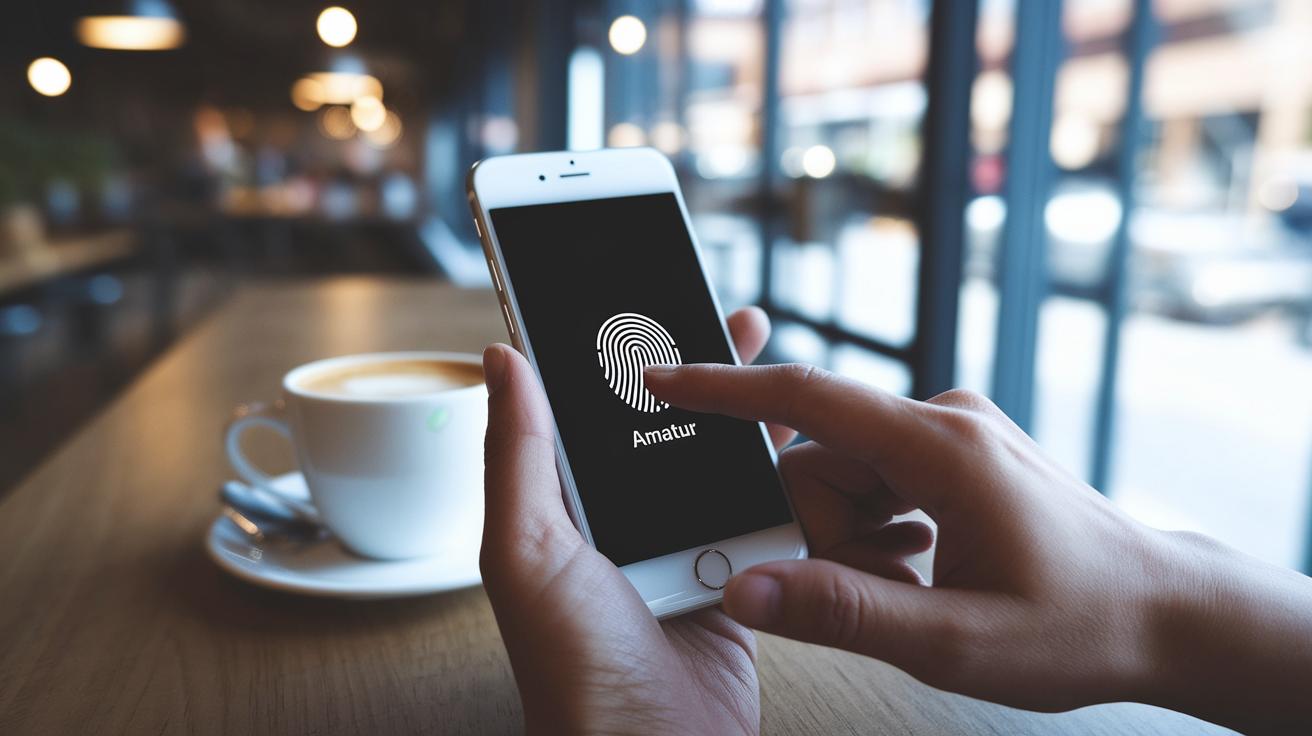
Mobile banking feels a lot safer when banks use high-quality ways to check your identity. Multi-factor authentication is one of those ways, it means you prove who you are in more than one step. Imagine scanning your fingerprint and then quickly entering a one-time code sent to your phone; that extra step makes it really hard for anyone else to break in.
Biometric tools like TouchID and FaceID are like your personal digital key. They add a friendly, secure layer that protects your private banking details. When you get a prompt to verify your identity with a quick scan, it’s a nice reminder that only you have the secret to unlock your account.
Session management is another important part of the security puzzle. Think of it as a vigilant guard that watches over your online session. It keeps an eye on your login habits and ends sessions after just a short pause, which stops any bad actors from taking advantage of leftover access.
On top of these methods, advanced techniques for managing your credentials stack up even more protection. Together, these layers work seamlessly to secure every transaction and keep your trust intact.
Secure App Development and Ongoing Vulnerability Management in Mobile Banking Security
Security testing shouldn't be an afterthought, it has to be built into every step of development. Think of it like a health checkup for your app, catching design flaws, buffer overflows (when a program tries to store too much data in a fixed space), and other errors early so they don't sneak in later. A simple static code analysis, for instance, can highlight potential issues before anyone else even notices.
Both static and dynamic analysis tools play their roles here. Static tools review the code as it is, while dynamic tools check how the app behaves in a live setting. And then there’s penetration testing. This type of test is like staging a mock attack on your app to see how it holds up. Picture your mobile app going through simulated attacks, it’s a real-world check that makes sure hidden gaps don't let hackers slip through.
We also can’t ignore supply chain risks. Sometimes third-party libraries bring hidden vulnerabilities with them. Routine vulnerability scans help spot these issues so that you can update your app and plug any weak spots. It’s about keeping every part of the system as safe as possible.
Dedicated testing platforms step in to offer even more help with automated checks, continuous compliance monitoring, and SOC 2-compliant environments. They run ongoing assessments to ensure that your security measures keep pace with new threats and changing regulations.
Building mobile banking apps that are truly secure means staying proactive. Every update or new feature should meet the highest standards, just like tuning up your car to keep it running smoothly and safely.
Regulatory Compliance and Continuous Risk Management in Mobile Banking Security

Banks across Europe follow big rules like PSD2 and PSD3 to keep your money safe. These rules make sure banks verify who you are with extra steps and keep a close eye on your data. With cyber threats always on the rise, these measures are like a solid lock on your digital door.
GDPR is another key player here. It requires banks to build privacy into their systems right from the start, get clear permission from you, and act quickly if there’s a breach. In simple terms, it's all about planning ahead so your information is always secure.
Standards such as PCI-DSS and HIPAA set strict rules to safeguard both payment details and sensitive health data. Think of them as a tough coach that pushes banks to follow strong policies and build a defense that keeps fraud and misuse at bay.
Good risk management is a mix of careful planning and constant checking. It’s like having a well-rehearsed plan for when things go wrong: the bank knows exactly what to do to stop a breach in its tracks. When an issue pops up, a clear, step-by-step plan helps contain it really fast, much like a timely safety drill.
New tools and smart automation, highlighted by innovations like those from Regtech Innovations for Financial Institutions, make this process even smoother. These systems give banks real-time alerts, track every move, and run regular checks to protect your financial details. By mixing steady monitoring with smart, automated controls, banks stay ahead of challenges and make sure risk management isn’t an afterthought.
Essential User Practices for Mobile Banking Security
When it comes to protecting your banking details, a few straightforward steps go a long way. First off, only download your banking apps from official app stores. Using apps from these trusted sources helps ensure your device stays secure, especially since jailbroken or rooted devices can weaken your overall safety.
Keeping your device updated is also key. Make sure your operating system, banking apps, and security software get regular updates. This simple step patches up any weak spots that hackers might try to take advantage of.
Another smart move is to use strong, unique passwords for your logins and set up two-factor verification. Think of it like adding an extra lock on your door. For example, while "P@55w0rd!" might seem clever, creating a more complex mix of letters, numbers, and symbols that only you know offers much better protection.
Avoid using public Wi-Fi when you’re accessing your sensitive banking information. Instead, opt for mobile data or use a VPN to keep your digital environment safe and sound.
- Activate real-time alerts about transactions
- Sign up for credit monitoring services
- Enable transactional alert mechanisms
If you ever notice any suspicious activity or unauthorized transactions, reach out to your bank immediately. In some cases, you might even need to freeze your account to help prevent further risks.
Final Words
in the action, we explored the essentials of mobile banking security. We covered key threats, the importance of robust data encryption, reliable authentication methods, secure app development, and staying current with compliance standards. Each piece helps build a clear view of the steps required to protect your digital financial life. By staying informed and taking active measures, you can feel more confident navigating market trends and fintech changes. There's plenty to look forward to, safeguarding your finances is a step toward a brighter, more secure future.
FAQ
What is mobile banking security?
Mobile banking security refers to protections like data encryption, secure transactions, and strong authentication measures that safeguard your financial information and prevent unauthorized access to your mobile banking app.
Is mobile banking safe on Android and iPhone?
Mobile banking is generally safe on both Android and iPhone when the app is up to date, uses strong encryption, and employs robust multi-factor authentication to guard against security breaches.
What are some common mobile banking security issues?
Common issues include phishing attacks, malware infections, fake apps, SIM swap scams, and Wi-Fi hacking, all of which can compromise your account data if apps and devices aren’t properly protected.
How can I protect banking apps on my phone?
Protect banking apps by downloading them from official stores, installing regular updates, using strong, unique passwords, and enabling multi-factor authentication to add an extra layer of security.
Are banking apps safer than websites?
Banking apps often offer enhanced security with features like built-in encryption and multi-factor authentication, while websites can be secure too; consistent updates and cautious online behavior are key to protect your information.
Which is better: mobile banking or internet banking?
Mobile banking provides quick, on-the-go access with strong built-in security, while internet banking offers a broader interface; the best option depends on your personal needs and how comfortably you manage security updates.
What happens if I delete my banking app on my phone?
Deleting your banking app removes the app’s local access but does not affect your active account; you can reinstall the app or log into your account through your bank’s website when needed.
Can hackers get into your online banking account?
Hackers can breach online banking if they exploit weak passwords or bypass security measures, which is why using multi-factor authentication and strong, unique passwords is crucial for protecting your account.
What is the recommended practice for using mobile banking securely?
Using mobile banking securely involves downloading apps from official sources, keeping all software updated, employing strong passwords, activating multi-factor authentication, and avoiding unsecured networks to protect your data.


