
Ever thought you could pay at Target with just one tap on your phone? You bet you can. Now, every Target store lets you use Apple Pay.
Imagine standing at the register with your iPhone in hand, tapping once to complete your payment. It’s a quick, secure way to shop that cuts down on waiting times and keeps things moving smoothly.
In a world where every minute counts, who wouldn’t want a checkout that’s as fast and modern as today’s shopping trends? Target makes it easy, letting you tap away and get on with your day.
In-Store Apple Pay Acceptance at Target
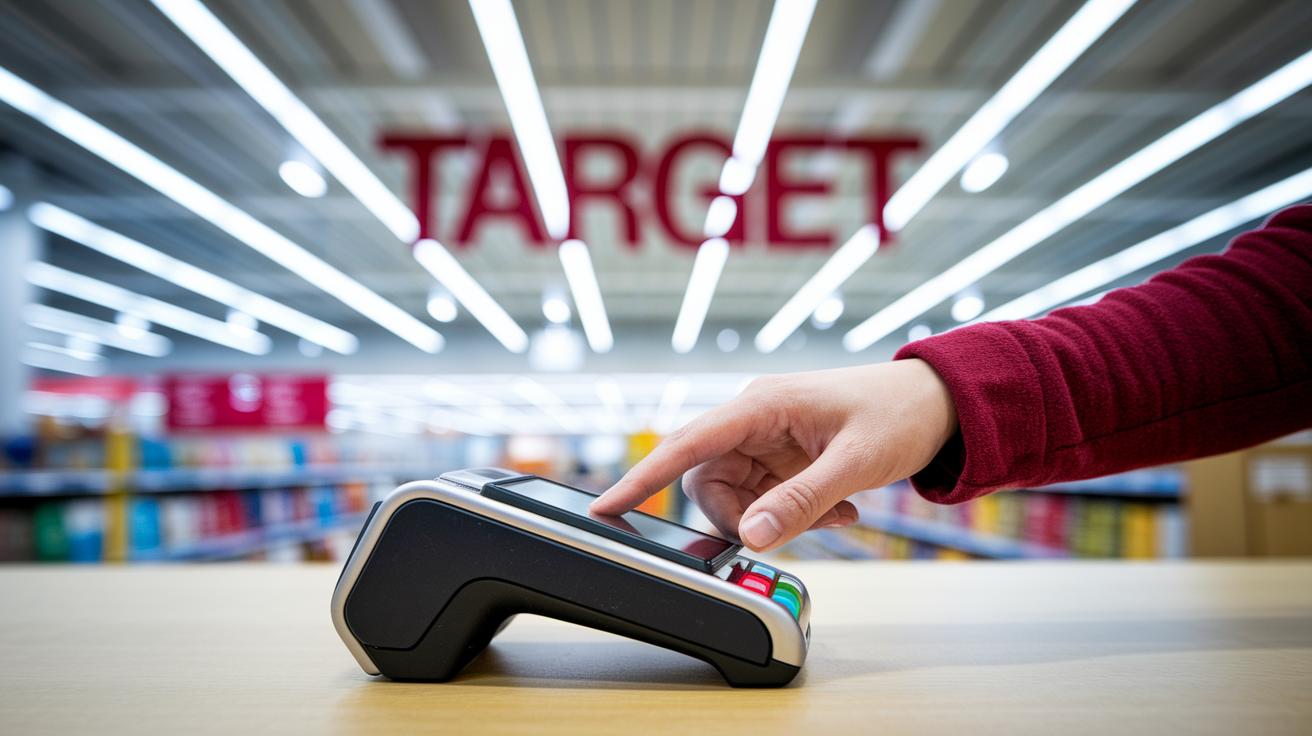
At Target, you can use Apple Pay at every physical location. It’s a perfect choice if you enjoy contactless payments. Every store has systems that read your phone or watch when you tap it, so your checkout is fast and easy. This policy was checked on August 8, 2024, and is current as of December 31, 2024, so you can always count on a smooth shopping experience.
Using Apple Pay in the store is really simple. Just unlock your device, hold it close to the terminal, and you’ll feel a little buzz along with a checkmark on the screen to show your payment went through. Imagine a shopper at the register, tapping their iPhone, and instantly getting a sign that everything worked fine. It really makes paying feel modern and hassle-free.
Remember, though, you can’t use Apple Pay on Target.com or with the Target app. If you value quick and secure payments in person, Target’s setup gives you a modern touch that makes everyday shopping feel even more special.
Setting Up Apple Pay for Target Shopping
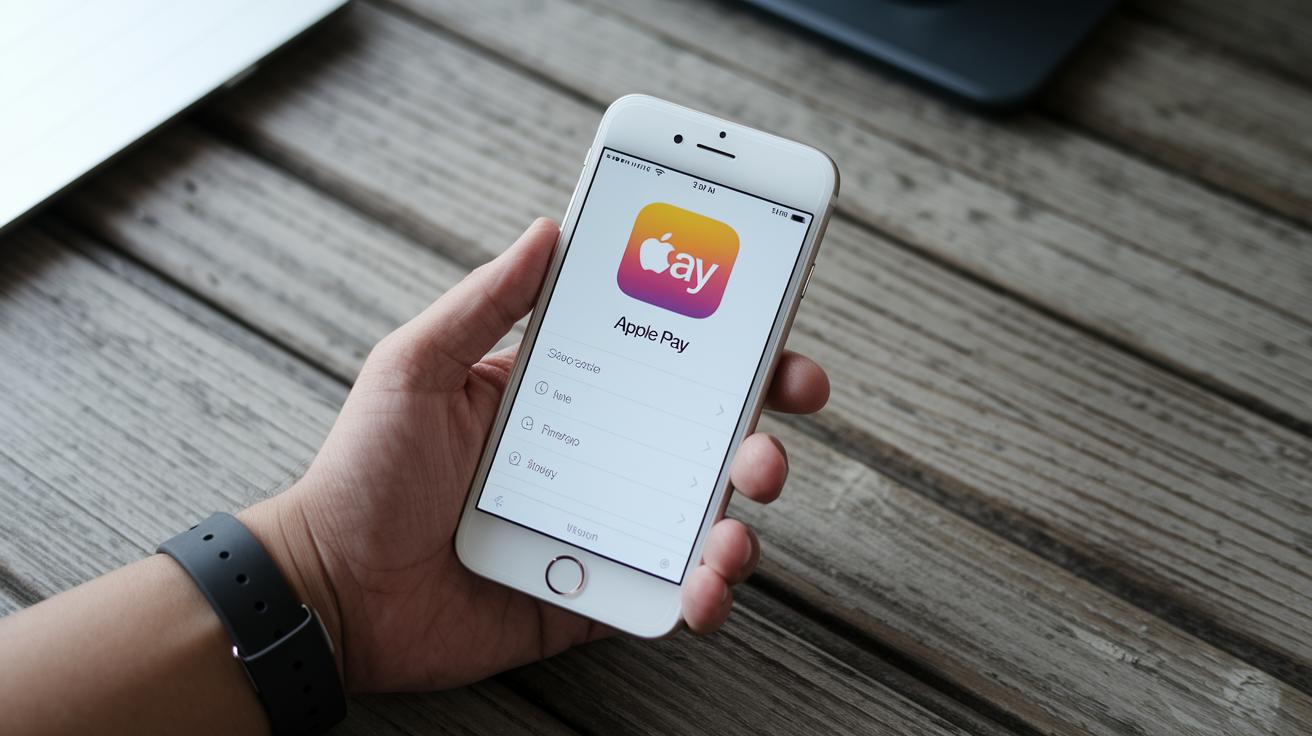
Getting your mobile wallet ready is really easy. To use Apple Pay when you shop at Target, simply add your credit or debit card to your device. Let’s walk through how to do it on your iPhone, Apple Watch, and iPad.
On your iPhone, start by opening Settings and tapping Wallet & Apple Pay. Then, hit Add Card and carefully follow the steps to enter your card details. You might have to verify your card with your bank using an app or a quick text message. Imagine you add your card, receive that SMS, and then you’re set! Once it’s verified, you can choose a default card for a speedy checkout.
For your Apple Watch, grab your paired iPhone and open the Watch app. Tap Wallet & Apple Pay and then Add Card. You’ll need to prove it’s you by using your passcode, Face ID, or Touch ID. Think of it as your watch getting a quick security check every time before it pays for you. It might feel like setting up a mini shield that makes your checkout even smoother.
On your iPad, head to Settings and select Wallet & Apple Pay. Tap Add Card and follow the steps to fill in your card information. After that, finish the two-factor verification process (that’s just a added security step to make sure everything’s safe). Once it’s done, your card will appear in your Wallet, ready for fun, contactless transactions the next time you visit Target.
These steps were confirmed as of August 8, 2024, so you can trust you’re getting the latest tips to set up your device for in-store payments.
Using Apple Pay at Target Checkout
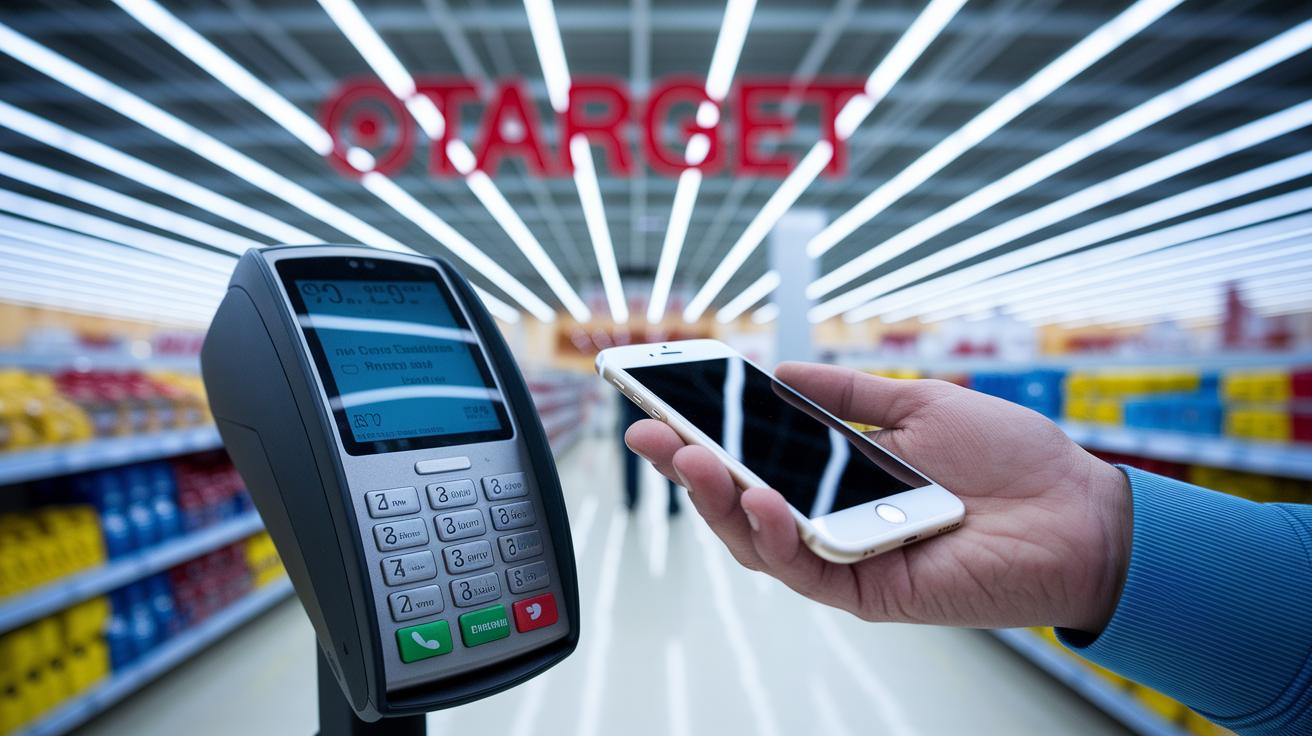
When you're ready to pay, hold your iPhone or Apple Watch about an inch from the terminal’s contactless symbol. Your device will ask you to verify with Face ID, Touch ID, or your passcode. After that, you'll feel a gentle buzz and see a checkmark on your screen, like a secret handshake between your device and the register.
Every Target register uses the NFC tap protocol (a system that lets devices communicate without wires). Keeping your device close is key to getting that quick, clear feedback. Just make sure your favorite payment card is set as your default in Wallet, and that your device software is up to date for a smooth checkout every time.
In-Store Apple Pay Acceptance at Target

Have you tried paying in-store at Target lately? Now, a quick tap of your phone wraps up your purchase in no time, thanks to RFID point-of-sale systems that make Apple Pay shine. It’s a neat, speedy feature available only at physical locations, if you’re shopping online, you’ll still have to enter your credit or debit card details.
In-Store vs Online Payment Options
When you’re browsing the aisles, you get that fast, contactless checkout with Apple Pay. But if you’re shopping on Target.com or using the Target app, it’s a classic, card-only process. This approach has been in play since December 31, 2024, clearly drawing the line between hassle-free in-store payments and more traditional online transactions.
| Location | Payment Method |
|---|---|
| In-Store | Apple Pay, credit/debit cards |
| Online (Target.com & App) | Credit/debit cards |
Other Contactless Wallets and Payment Options at Target

At Target, you’ve got more than just Apple Pay at the checkout. Every store is set up with modern tap-to-pay systems designed for quick, smooth transactions. Each register uses RFID tech (that’s a system which lets devices communicate wirelessly) so you can finish your purchase by simply holding your card or device nearby.
Imagine walking up to the register with your smartphone loaded with Google Pay or Samsung Pay and just tapping it without any hassle. It’s like watching a well-rehearsed routine unfold, swift, secure, and effortless. And if you prefer the familiarity of a physical card, don’t worry, as contactless credit and debit cards work just as flawlessly using the same NFC technology (a method that allows your card to talk to the reader without any cables).
- Google Pay
- Samsung Pay
- Contactless credit/debit cards
These options are designed to keep your shopping at Target as quick and stress-free as possible.
Tips for a Smooth Apple Pay Experience at Target

To use Apple Pay safely at Target, make sure your device is up to date with the latest iOS or watchOS. Also, turn on NFC (that’s the feature that lets your phone exchange information with nearby devices) and the touch or face recognition that confirms your identity.
Hold your device about an inch from the reader. You’ll feel a light tap and see a message on your screen to confirm the payment. And if the payment doesn’t go through right away, try restarting your device or use a contactless card as a backup.
One shopper mentioned that a quick restart got things moving when their phone hesitated.
Final Words
In the action, we broke down how Target manages tap-to-pay methods, including setting up and using Apple Pay in-store. We explained that Target accepts Apple Pay for physical transactions, not online. Our guide covered device-specific tweaks for iPhone, Apple Watch, and iPad, and touched on alternative mobile wallets. This article clearly answers the question: does target accept apple pay? With practical steps and solid insights, shopping at Target just got a bit more straightforward and enjoyable.
FAQ
Does Target accept Apple Pay in store?
The answer to whether Target accepts Apple Pay is yes. In-store purchases can be completed using Apple Pay, where you can tap your iPhone or Apple Watch at a contactless terminal.
How do I use Apple Pay at checkout at Target?
Using Apple Pay at checkout means holding your device within one inch of the terminal’s NFC symbol. Authenticate with Face ID, Touch ID, or your passcode to get a confirmation.
Can I use my phone to pay at Target?
The question about using your phone is answered by confirming that Target supports mobile wallets. You can pay with Apple Pay, Google Pay, or Samsung Pay at any eligible in-store register.
Does Target accept Google Pay and other mobile wallet options?
Yes, Target accepts Google Pay, Samsung Pay, and contactless credit or debit cards. These digital wallet options offer a fast, secure tap-to-pay experience similar to Apple Pay.
Does Target take Afterpay in store?
Regarding Afterpay, Target does not accept it for in-store transactions. Their focus remains on contactless methods like Apple Pay and other digital wallets for quick payment.
Does Walmart take Apple Pay?
The answer about Walmart shows that while Walmart has its own digital payment methods, their policies differ from Target’s. Shoppers should verify with their local Walmart for current Apple Pay availability.


