
Ever wonder if your payment processor is the right match for your business? Think of it as the beating heart of your sales system, quietly making sure every transaction flows without a hitch. Options like Stripe give you an online checkout that you can tweak just the way you want, while Square handles in-store sales like a champ. Compare fees, setup processes, and extra features to figure out which one fits your needs and helps your business run smoother.
Comparing Leading Payment Processors for Businesses
When it comes to payment processors, every option has its own pricing, setup, and special features. It’s important for business owners to understand these differences so they can pick the best fit for their sales and operations. Some processors let you customize your online checkout in great detail, while others work better for store sales. A clear comparison can make your choice easier and your payment process smoother.
| Processor | Pricing Model | Integration Options | Best For |
|---|---|---|---|
| Stripe | 2.9% + 30¢ per transaction | REST API (a simple set of commands to connect systems) | Customizable online checkouts |
| PayPal | 2.9% + 30¢, no monthly fee | Plug-and-play with QR code and invoicing options | Simple online transactions |
| Square | 2.6% + 10¢ tap-and-pay | Robust POS hardware like Contactless + Chip Reader | Physical storefronts |
| Shopify Payments | Fixed-rate tiers by card type | Native Shopify integration | Online storefronts |
| Helcim | Interchange-based with volume discounts | WooCommerce and custom SDK support | Growing businesses online and offline |
The processor you choose should match your business’s size and sales style. For example, small online sellers may like fixed-rate models and simple setups. On the other hand, larger businesses or those working both in-store and online might benefit more from payment options that reward higher volumes with discounts and extra hardware. In the end, finding the right processor can make your payments run more smoothly and help your business grow.
Payment Processor Workflow Explained

Understanding how a transaction works can really help you see how money safely travels between accounts. Every money transfer follows a series of quick, carefully planned steps, all happening in just a few seconds. First, a payment gateway or a point-of-sale terminal grabs and secures your card information, sending it off through trusted card networks to the bank that issued your card. Then, once your bank gives the go-ahead, the transaction is grouped with others and settled so the funds reach the merchant’s account speedily.
Data Capture and Encryption
When you check out, a payment gateway or terminal quickly captures your card details. Right away, it scrambles (encrypts) and turns your sensitive data into a digital token, a kind of secret code that replaces your real card number. This process keeps your information safe while it travels through the payment system.
Authorization Request
After your data is protected, the processor forwards it through trusted networks, like Visa or Mastercard, to your card-issuing bank. The bank then checks important details, such as whether you have enough credit and if there are any signs of fraud, before approving the transaction. It’s a bit like the bank giving a thumbs up after a quick security check.
Settlement and Fund Transfer
Once everything’s approved, your transaction joins many others in a batch. The acquiring bank processes this batch and transfers the funds to the merchant’s account. This smooth, well-organized process makes sure that money moves online quickly and reliably, so merchants get paid without delay.
Integration Options for Payment Processors
Seamless integration makes business life a lot easier. It lets companies connect their sales channels fast without needing lots of coding. When your systems work together, daily tasks run more smoothly and keep up with the changing market. It’s a bit like setting up a smart helper that links your checkout with your accounting software, automatically updating your sales records.
API and SDK Solutions
Many payment processors now offer strong API options that developers love. For example, Stripe’s REST API makes handling online transactions simple. And Helcim’s JavaScript toolkit helps you create custom payment flows without fuss. Finix also offers advanced endpoints for building personalized checkout experiences. A quick line of code can verify a transaction instantly, much like checking a receipt on the spot.
Plugin and Platform Extensions
Plugins are made with simplicity in mind. PayPal and Square, for instance, provide extensions that easily connect with popular ecommerce platforms like WooCommerce, Magento, and Shopify. This plug-and-play approach cuts down setup time a lot. Imagine just clicking a button to link your online store, it’s as simple as adding an extra accessory to your outfit.
ERP and Cloud Settlement Integrations
Connecting your sales data with systems like QuickBooks and Netsuite is a breeze with prebuilt connectors. Providers like Helcim and Finix offer cloud-based modules that update your financial records in real time. This automation makes accounting simpler, freeing you up to focus on growing your business.
Payment Processors: Smart Options for Seamless Payments

Fixed-rate pricing charges you a set fee for each transaction, usually about 2.9% plus 30 cents. Many merchants like this clear method because it makes it easy to budget and plan ahead. It’s a great option for small businesses that prefer having predictable costs without any surprises.
Interchange-plus pricing works a bit differently. It adds a small markup to the actual interchange fee that card networks set. This means your costs can drop as your sales go up since you're paying more in line with the real cost of processing. Just keep in mind, you'll need to track the changing interchange rates and do some simple math to see how it affects your expenses.
Subscription-plus models, like those from Finix and Payment Depot, mix a fixed monthly fee with a low charge on each transaction. Don’t forget to include extra costs like chargeback fees, gateway fees, or fees for international transactions when you’re planning your budget.
Security and Compliance for Payment Processors
When you're dealing with online payments, keeping customer data safe is a must. Payment processors follow tough standards, like PCI DSS Level 1 certification, which shows they take data protection seriously. This certification tells you right away that your information is handled with great care.
They use end-to-end encryption and tokenization to secure your data at every turn. Basically, when you make a payment, your card details get scrambled so that only the right people can decode them. It's a bit like swapping your house key for a secret code. This way, whether your data is resting or traveling, it's kept safe from unwanted eyes.
On top of that, advanced fraud prevention tools are at work to keep every transaction secure. Systems like Stripe Radar and Square Fraud Prevention use machine learning (a computer's way of learning patterns) to catch any odd behavior. They’re kind of like a watchful guard who spots something unusual and raises the alarm before any fraud can take root.
Merchants also benefit from handy reporting dashboards and chargeback management features, which help them stick to rules like GDPR and PSD2. These detailed reports make it super easy to track transactions and confirm that all security steps and fraud-prevention efforts are doing their job.
Payment Processor Hardware and Mobile Solutions
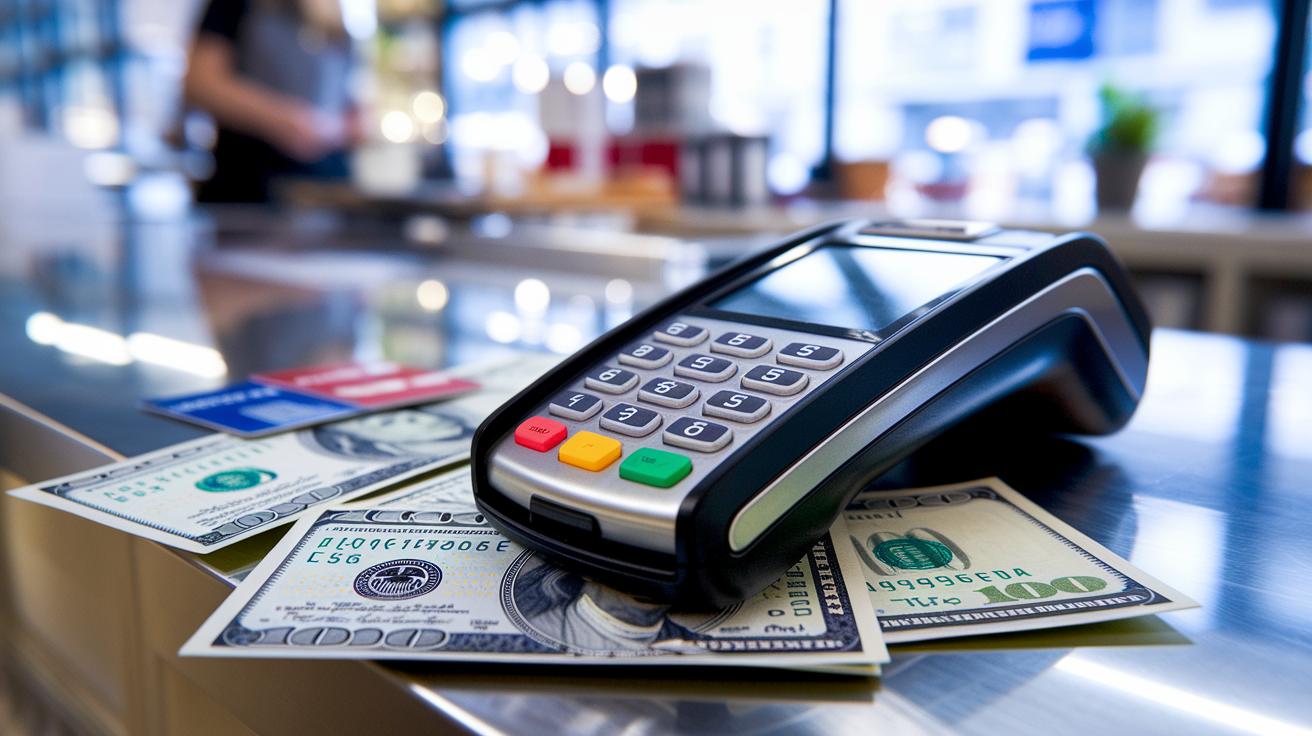
Reliable payment terminals are at the heart of in-person transactions. They make handling money at a store super simple. These devices let merchants accept everything from physical cards to digital wallets. They’re built tough, easy to use, and can handle a lot of sales at once without slowing things down.
Mobile SDKs add even more power to these hardware solutions. They let businesses build payment features right into their custom apps, perfect for field sales or when you’re constantly on the move. This means you get a smooth experience no matter how customers pay, be it with a tap on their phone or a chip-enabled card swipe. It’s like having a flexible, secure payment helper with you wherever you go.
| Device | Cost | Compatible Processor |
|---|---|---|
| Square Contactless + Chip Reader | $49 | Square |
| PayPal Zettle Reader | $79 | PayPal |
| Shopify Tap & Chip Pro | $149 | Shopify Payments |
| Helcim Smart Terminal | $179 | Helcim |
So, whether you’re accepting payments via Apple Pay, Google Pay, or another digital wallet, pairing robust terminals with smart mobile software means every transaction is quick and secure. It’s all about making payments feel as seamless as chatting with a friend.
Choosing the Right Payment Processor for Your Business
Finding the right payment processor can really smooth out your business's financial operations. Whether you're focused on growing online sales or want quick in-store payments, pick a system that fits your goals. Imagine a tool that instantly updates your dashboard every time a sale happens, it makes handling your money clear and almost effortless.
Pricing matters too. Smaller shops often stick with fixed-rate plans because they're easy to predict. Bigger businesses, processing lots of transactions, might benefit from an interchange-plus or subscription-plus plan, saving money the more they process. It’s a bit like buying supplies in bulk, you save more when you order in larger quantities.
Another key point is matching the processor with your sales channel and hardware. For online stores that face extra fees when cards aren’t present, you need smooth digital integration. Meanwhile, a physical location thrives on reliable point-of-sale hardware that quickly accepts contactless payments. Think of it as using the perfect tool in your workshop for each specific task.
If you’re working internationally or in sectors like travel and supplements, keep an eye out for multi-currency settlements and local acquiring deals. Choose a provider with strong chargeback and fraud management systems, these extra safeguards help you manage global transactions and tackle unique industry challenges.
Final Words
in the action, we reviewed how top platforms stack up in areas like transaction fees, integration ease, and secure processing. We broke down payment flow, API capabilities, pricing methods, and hardware options in a clear side-by-side comparison.
Our deep look helped explain the steps from data capture to fund transfer and highlighted differences based on business needs. Keep exploring these payment processors to boost your confidence and seize market opportunities.
FAQ
What is a payment processor?
A payment processor manages transactions by securely transmitting card details between your business, card networks, and banks to authorize and settle payments quickly and efficiently.
What are some examples of top payment processors?
Examples of top payment processors include Stripe, PayPal, Square, Shopify Payments, and others. These companies offer robust solutions for online and in-person transactions, catering to diverse business needs and sizes.
Are there payment processors designed for small businesses?
Payment processors for small businesses deliver easy, affordable solutions with simple setups, clear pricing, and support for both online and in-person payments, making them ideal for growing operations.
Can payment processing operate as a franchise?
A payment processing franchise is a model where established companies let independent operators provide payment services under their brand, offering a business opportunity with proven systems and support.
Is Zelle a payment processor?
Zelle functions as a peer-to-peer money transfer network that links bank accounts directly, rather than offering complete merchant transaction processing services like traditional payment processors.
Is PayPal considered a payment processor?
PayPal is considered a payment processor because it enables merchants to manage online transactions, supports various payment options, and integrates seamlessly with e-commerce platforms.


