
Ever thought about handling your money without ever queuing at a bank? Mobile banking puts everyday money tasks right where you are. With just a few taps on your phone, checking your balance, moving funds, or snapping a photo to deposit a check becomes a breeze.
In this article, we'll chat about how mobile banking makes managing your money both simple and secure. It’s a fast, user-friendly way to tackle daily tasks, and it’s changing the way we think about our money.
what is mobile banking: Easy, Secure Transactions
Mobile banking is a service from banks that lets you handle everyday money tasks on your smartphone or tablet. It’s amazing to think that over 5.8 billion people, almost 70% of the world's population, use this service to check their balances and make transfers wherever they are. Ever found yourself checking your balance while you wait for your coffee? That’s mobile banking in action.
Unlike using a web browser on your computer, mobile banking works through special apps made for small touch screens. These apps are built to keep things clear and simple. They even let you deposit a check by snapping a picture with your phone. In real life, this means you can do your banking quickly and safely, without having to visit a bank branch.
- Checking your account balance
- Moving money between your accounts
- Paying bills on time
- Depositing checks by taking a photo
- Looking at your past transactions
- Setting alerts for account activity
All these features show how mobile banking puts control right in your hands. It helps you keep a close eye on your money, transfer funds with ease, and stay updated with notifications when things change. So if you’ve ever needed to check your account or pay a bill on the fly, mobile banking makes it simple and secure.
Key Features of Mobile Banking Apps

Mobile banking apps are designed to make your daily money tasks simpler and faster while offering neat extra features that keep you in control. They smartly blend everyday banking activities with innovative tools to give you a smooth digital experience.
Account Management and Transfers
Imagine quickly checking your balance and moving funds between your accounts with just a few taps. These apps let you explore loan options and perform transactions in seconds. Ever think it’s great when your banking fits perfectly into a busy day?
Mobile Check Deposit
Need to deposit a check? Just snap a photo with your phone. The app guides you through each step, turning the image of your check into a secure remote deposit. It’s like using your smartphone as a branch, right in your pocket.
Alerts, Notifications, and Analytics
These apps don’t just remind you about bills and low balances. They also give you simple insights into your spending habits, much like a daily tip from a friend who understands finance. You might get a snapshot of where your money goes, helping you see clear spending patterns.
Contactless Payments and Card Management
Your app securely stores card details, letting you pay with a tap in stores. It transforms your phone into a digital wallet, making payments quick and safe without the need for physical cards.
Benefits of Mobile Banking for Users
Mobile banking lets you keep tabs on your money all day, every day. It’s like having a helpful digital buddy that gives you instant access to your accounts, no matter where you are, even if you live far from a bank branch. Imagine checking your app at 2 a.m. to see your balance before your busy day kicks off.
These apps pack neat tools that help you plan a budget and track your spending with simple charts. One survey even found that 38% of people feel more in the loop about their bank’s offerings thanks to these clear in-app insights. So next time you look at your monthly spending chart, you might notice a familiar expense creeping up and decide it’s time to tweak your budget.
Plus, mobile banking sends handy alerts for upcoming bills and can set up automatic payments so you don’t miss a due date or get hit with extra fees. And, as a bonus, some apps offer special deals like higher savings rates or discounts at popular stores.
With over 5.8 billion mobile users around the globe, these clever financial tools are making sure everyone, even those in remote areas, gets better access to banking services.
Comparing Mobile Banking and Other Channels

Mobile banking is all about using an app on your smartphone or tablet to take care of your money on the go. These apps are designed to work well on small screens and come with built-in security like biometrics (using your fingerprint or face to verify who you are) and two-factor authentication. This way, you can quickly check your balance, move funds, or pay bills with an extra layer of safety.
Online banking, on the other hand, is usually done through a web browser on your desktop or laptop. It relies on a username and password, and sometimes even extra tokens, to keep your data safe. Plus, you might have access to more advanced features and higher transaction limits when you bank online.
Sometimes, traditional branch banking is still the way to go, especially when you need help with more complex tasks like applying for a loan or making a large cash withdrawal. In those cases, nothing beats talking to someone face-to-face and handling paperwork in person. Each banking channel has its own strengths when it comes to ease, security, and the variety of services offered. Knowing these differences really helps you pick the option that fits best with your financial habits and needs.
| Channel | How You Access It | Security Measures | What It Offers | Transaction Limits |
|---|---|---|---|---|
| Mobile Banking | App on smartphone or tablet | Biometrics, 2FA, encryption | Basic transfers, bill payments, deposits | Lower per-transaction limits |
| Online Banking | Browser on desktop or laptop | Username/password, tokens, 2FA | Full-service options, investments, larger transfers | Higher limits |
| Branch Banking | In-person | ID checks, paper signatures | All services, including cash handling | No digital limits |
Choosing the best banking channel really comes down to your lifestyle and what you need. If you’re always on the move and want a fast, simple way to manage your money, mobile banking might be just right. But if you require more complex transactions or a wider range of services, online banking or visiting a branch might be the better choice.
Getting Started with Mobile Banking
Begin by downloading your bank's official mobile app from either the App Store or Google Play. Make sure it's the verified version to keep things secure and reliable for your mobile banking experience.
Once you've installed the app, sign in with your account details and complete the security setup. Create a strong PIN, turn on two-factor authentication (an extra layer of security that confirms your identity), and add biometric options like fingerprint or facial recognition. This keeps your account safe and gives you peace of mind whenever you log in.
Next, link your checking and savings accounts directly in the app. Set up alerts to notify you about low balances and upcoming bill due dates. These notifications help you stay on top of your finances and avoid any surprise fees.
Finally, activate the remote check deposit feature by agreeing to the app's terms. Place your check in a well-lit area and take clear photos of both sides. If the images aren’t sharp enough, simply retake them until every detail is easy to read.
Trends and Innovations in Mobile Banking
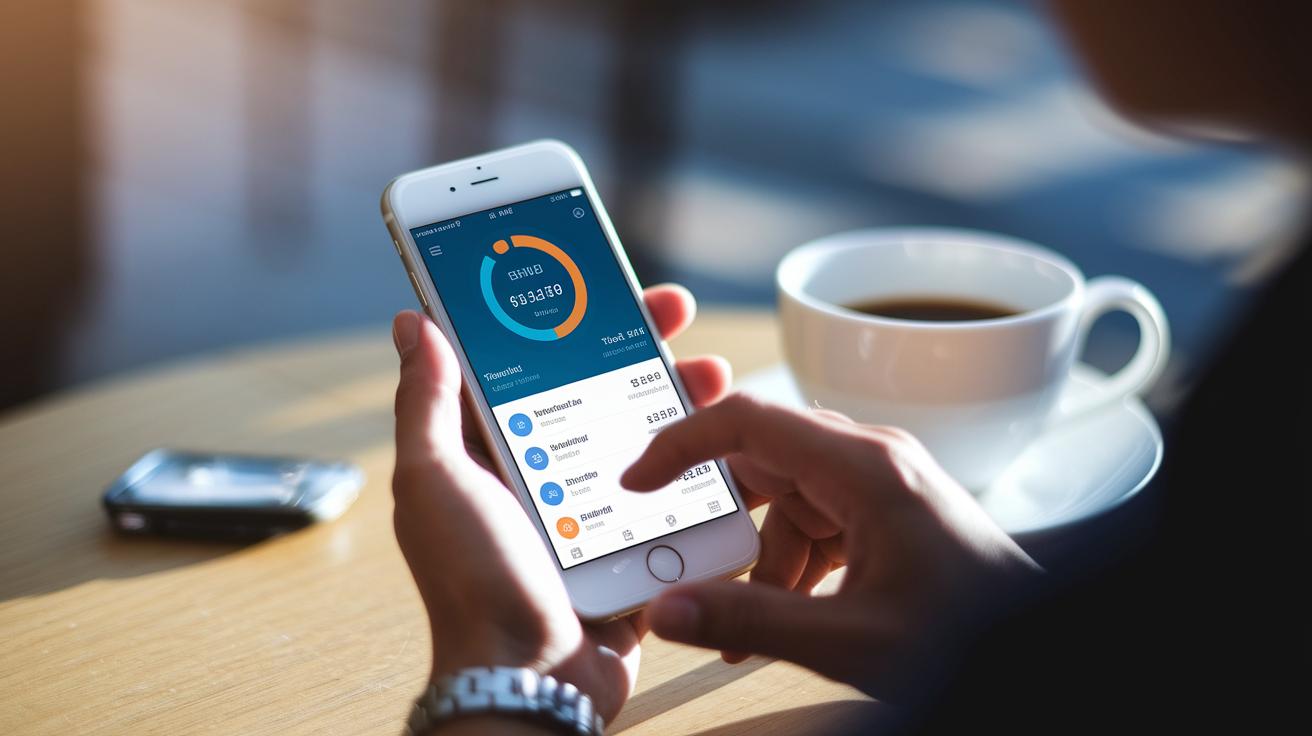
Mobile banking apps now use smart AI and machine learning to study how you spend money. They offer easy-to-follow advice that can gently nudge you to adjust your budget when your spending habits change, like suggesting you save up for unexpected rainy days.
Banks are teaming up with fintech companies through open banking APIs, which means you can see all your accounts and even get new credit options in one view. It’s a bit like managing your entire investment portfolio from a single, simplified interface that brings clarity to your finances.
Imagine telling your phone or smartwatch what to do next. With voice-activated commands and wearable integrations, you can even complete transactions by just speaking. It makes your devices feel like friendly, on-the-go financial assistants.
Security in mobile banking has gotten a serious upgrade too. Next-gen tools, such as continuous authentication using behavioral biometrics (which check how you use your phone) and strong encryption, keep your data safe in real time. This robust framework lets you bank confidently, knowing that every feature is designed with your protection in mind.
Final Words
In the action, we walked through mobile banking, spotlighting how financial transactions have moved from desktops to smartphones. We explored its core features, from quick balance checks and deposits via camera to secure transfers and notifications, while also comparing these functionalities with other banking channels.
We covered how simple it is to get started and looked at the innovations shaping its future. This recap ties back to the central question, what is mobile banking, offering a clear look at a more convenient way to manage money.


