
Have you ever wondered if your way of paying is a bit behind the times? Walmart has completely changed the game by offering payment options that truly fit our modern lives.
No matter if you use cash or a digital wallet (an electronic way to store money), each purchase is processed quickly and securely. This means you no longer have to worry about slow, outdated payment methods.
With more than 10,500 stores in 19 countries, Walmart’s system works wonderfully for both shopping in person and online. In this post, we explore how Walmart’s new choices deliver speed, security, and convenience right to your fingertips.
Wide Range of Walmart Payment Methods: In-Store and Online Options

Walmart is everywhere, boasting over 10,500 stores across 19 countries. This massive reach means you can pay your way whether you’re browsing in person or clicked through online. They blend digital convenience with the good old trusted methods we all know.
They’ve set up payment options to keep things as simple and secure as possible. Whether you’re using cold hard cash or tapping into digital wallets, Walmart offers a mix that fits your style. It’s kind of like having a toolbox where every tool is designed to make transactions smooth and safe.
Here’s what you can use when shopping:
- Cash in physical stores
- Personal checks (with identity verification)
- Major credit cards like Visa, Mastercard, or American Express
- Debit cards (using PIN or signature)
- PayPal for online transactions
- Walmart Pay through their mobile app
- Buy Now, Pay Later options such as Affirm, Klarna, or Afterpay
- Gift cards and electronic benefits cards
If you’re shopping online, there are a few twists to be aware of. For instance, you can add a gift card by entering its 16-digit number and PIN, but you can’t combine it with another payment method. Plus, personal checks and cash are only for store visits. When you’re buying online, your best bets are secure checkout options like PayPal, major cards, or buy now, pay later services.
Overall, Walmart’s payment methods keep every transaction fast and safe, whether you’re stepping into a store or shopping from your couch.
Using Credit and Debit Cards with Walmart Payment Methods

When you're shopping at Walmart, using your credit or debit card is really simple and safe. You can either swipe your card or insert a chip card, and the process is quick like a smooth ride. Sometimes, if you're making a big purchase, you might need to enter your PIN or even show your ID to verify your identity. Walmart welcomes major cards like Visa, Mastercard, and American Express, so you always have a trusted option at hand. It’s almost like gliding through a secure gate where your details get confirmed in no time.
Online, Walmart treats your card details with the same care. Your payment is protected by strong encryption, which basically means your information stays private without any extra fees. Plus, you can save your card info for faster checkouts next time. However, just a heads-up, international cards and popular mobile wallets like Apple Pay or Google Pay aren’t accepted online. This design keeps every transaction smooth, quick, and secure.
Walmart Pay and Walmart App Transactions: Mobile Payment Guide
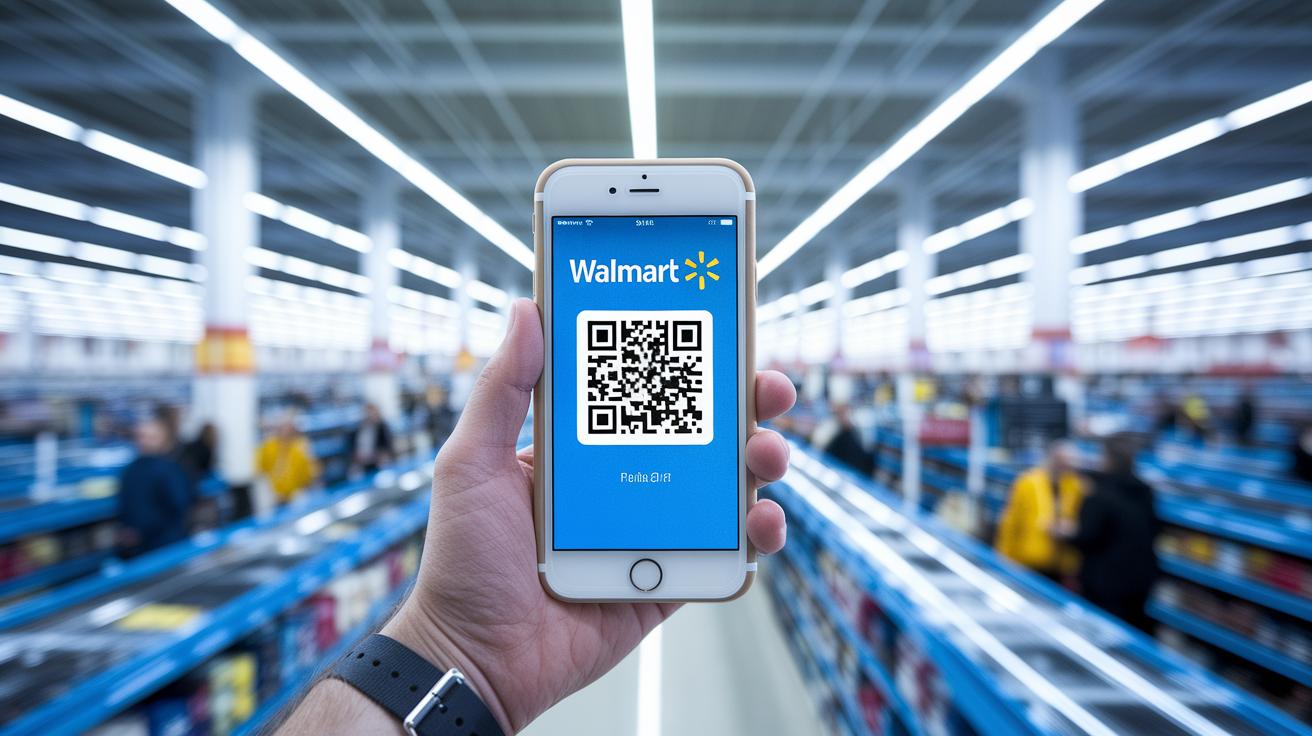
Using Walmart Pay in the Walmart app makes payments super fast and secure. You only need to add your credit, debit, or gift card once. After that, just scan a QR code to complete your purchase. This means less waiting and a smooth checkout whether you're shopping in-store, on Walmart.com, or at certain Sam's Club locations. Plus, you won’t face any extra fees, so your purchase stays simple and budget-friendly.
- Download the Walmart app.
- Sign in or create your account.
- Open Walmart Pay in the app.
- Add your credit, debit, or gift card by entering your card details.
- Confirm and save the payment method.
When you're out shopping, Walmart Pay lets you tap-to-pay effortlessly. At checkout, open the app and scan the QR code provided by the cashier. Your saved payment method gets verified in a flash, so you can wrap up your transaction without hunting for cash or another card. It's a quick, contactless way to pay, perfect for those busy days when every second counts.
Walmart Pay is available at almost every Walmart location, though at Sam's Club, it's only in select stores. Walmart designed this system to work on its own, so third-party wallets like Apple Pay, Google Pay, and Samsung Pay aren’t supported. By sticking to one method, Walmart makes sure the payment process is straightforward and secure, while also helping you keep track of your spending and account details.
Buy Now, Pay Later and Financing Solutions at Walmart Checkout

At Walmart, you can shop for what you need now and spread out the cost later. They offer financing options that make it easy to manage bigger purchases without throwing your budget off balance. Think of it like having a clear, step-by-step plan for your payments while you enjoy the benefits of shopping.
Walmart partners with three key services to give you flexibility. With Affirm, you can repay your purchase over 3 to 12 months, though the interest rate (which might range from 0% to 30% based on your credit details) can change. Klarna offers the choice between splitting your bill into four easy payments or paying in full within 30 days, available at checkout in Canada or through its app in the U.S. And then there’s Afterpay, which lets you divide your purchase between $35 and $1,000 into four interest-free installments.
| Service | Repayment Terms | Notes |
|---|---|---|
| Affirm | 3–12 months | Variable interest (0% to 30% based on credit) |
| Klarna | Four installments or pay in 30 days | Available in Canada at checkout and in the U.S. via the app |
| Afterpay | Four installments | No interest for purchases between $35 and $1,000 |
Each option is tailored to different shopping needs, so you can choose the one that fits you best. Just keep in mind that you’ll typically need to verify your identity and meet certain credit criteria to qualify. Any fees or extra costs will depend on the service you choose, the repayment schedule, and your personal credit details.
Overall, Walmart’s financing choices blend everyday shopping with predictable repayments, letting you keep control of your finances while enjoying a smoother checkout process.
Gift Cards, EBT, and Benefit Card Payments at Walmart

Walmart Gift Cards and eGift Cards give you a flexible way to pay. In the store, a cashier simply scans your card to add its balance to your purchase. If you're shopping online, you just type in the 16-digit card number and a 4-digit PIN. Plus, you can easily check your balance using the Walmart app, their online tool, or even by calling 1-888-537-5503. It’s a simple way to keep an eye on your funds before you shop.
EBT cards, which are used for SNAP and WIC benefits, work much like a regular debit card at checkout. Just swipe or insert your card, and the system processes the payment while making sure you only buy items that qualify for these benefits. This setup keeps the process both secure and straightforward.
Walmart also accepts HSA and FSA cards for health-related purchases, such as over-the-counter medicine and certain health supplies. At checkout, treat your HSA or FSA card just like a debit or credit card. The system checks which products are eligible, so you can easily complete your purchase while managing your spending responsibly.
Troubleshooting and Support for Walmart Payment Methods

Payment hiccups can really throw a wrench in your day, especially when a transaction gets declined because you might not have enough funds, fraud prevention steps kick in, or a technical glitch messes things up. Sometimes, a weak connection or a mishap with your promo discount might leave you with an extra charge or an unsettled payment. It can disrupt your shopping flow and delay that satisfying moment when your order finally goes through.
| Issue | Resolution |
|---|---|
| Declined Payment | Check your balance and try again |
| Failed Transaction | Make sure you’re connected or pick a different payment method |
| Discount Not Applied | Enter the promo code again or reach out to support |
| Double Charge | Look over your order and request a refund if needed |
If your payment doesn’t go through, try putting in your payment details once more or confirming your identity as the system asks. And if the issue sticks around, don’t hesitate to call Walmart customer service at 1-800-925-6278, drop them an email, or chat live. Checking your order details and confirming your identity helps keep your checkout safe and speeds up fixing any problems. It’s all about protecting your account and getting back to enjoying your shopping experience.
Final Words
In the action, our review covered a broad array of payment channels, from cash and debit to online methods like PayPal and mobile Walmart Pay. We broke down how card transactions work in-store and online, highlighted flexible financing through Buy Now, Pay Later options, and explained gift, EBT, HSA, and FSA card payments. We wrapped up with essential troubleshooting and support tips for any payment issues you might face. Keep exploring diverse walmart payment methods confidently and enjoy seamless checkout experiences.
FAQ
What method of payment does Walmart accept for credit card transactions?
Walmart accepts major credit cards like Visa, Mastercard, and American Express, along with cash, debit cards, personal checks, and digital options such as Walmart Pay, PayPal, gift cards, and Buy Now, Pay Later services.
What is the Walmart payment methods phone number?
The Walmart payment support number is 1-800-925-6278, which connects you to help for resolving payment issues or other related inquiries.
What is the Walmart Pay app and how does it work?
The Walmart Pay app is built into the Walmart mobile app, allowing you to store debit, credit, and gift cards, and complete in-store transactions by scanning a QR code at checkout.
What should I do if my Walmart payment method is not working?
If your payment method isn’t working, recheck your details, verify your funds or account information, and try again. Contact Walmart support if the issue continues.
Does Walmart offer tap to pay with a phone?
While Walmart does not support tap-to-pay using NFC, you can still make mobile payments with Walmart Pay by scanning a QR code during checkout.
How can I pay by check online using Walmart Pay?
Walmart does not offer an online check payment option; you must use digital payment methods such as credit/debit cards, PayPal, or alternative financing options.
Does Walmart provide bill pay online services?
Walmart’s online checkout allows various digital payment options, but it does not offer a separate bill pay service, so check your account for available payment methods.
Will Walmart ever take Apple Pay?
Currently, Walmart does not accept Apple Pay and focuses on other payment methods like Walmart Pay, major cards, PayPal, and gift cards.
How can I pay at Walmart without using a card?
You can pay in-store using cash, personal checks (with verification), or gift cards. Online, you can explore digital alternatives such as Buy Now, Pay Later options.
Can I use PayPal Pay in 4 at Walmart?
Walmart accepts PayPal for online transactions, but the Pay in 4 option with PayPal is not typically available; review your checkout options for any supported plans.


