
Have you ever thought that fees might be nibbling away at your hard-earned cash? It may not seem like much, but even a few cents can pile up quickly. Our easy-to-use fee calculator shows you what you'll pay on every transaction using today's rates: 2.99% and a fixed fee of $0.49. Imagine checking your bank account and knowing exactly where every cent goes. This tool gives you a straightforward look at your fees, so you can set prices wisely and review your profits with confidence.
Instant PayPal Goods & Services Fee Estimation
Ever wonder exactly how much you'll pay in fees when processing payments with PayPal? Our fee calculator gives you fast, clear estimates so you know where your money goes. It uses the current 2024 rate of 2.99% plus a fixed fee of $0.49 for domestic deals. Just pop in the total transaction amount, pick the right currency, and select your payment method, and you'll see the fee breakdown in no time.
This tool is super easy to use. You simply fill in a few details, like whether the payment was made in-person or online, and the calculator instantly shows you how much you'll actually earn after fees. It takes the guesswork out of knowing your net amount.
Knowing what fees you're paying is crucial for both buyers and sellers. This calculator makes sure there are no hidden charges to catch you off guard, giving you a clear picture right when you need it. Whether you’re setting your prices, checking your profits, or just keeping an eye on your transaction costs, this tool helps you make smart decisions fast.
PayPal Goods & Services Fee Structure Breakdown

PayPal makes it easy to understand fees for domestic goods and services. You pay a base fee of 2.99% plus a fixed fee of $0.49 on each transaction. If you run a small business, you might see rates anywhere from 2.29% to 3.49% and fixed fees between $0.09 and $0.49, based on factors like your sales volume and risk. And if you’re handling international transactions, expect an extra 1.5% charge. This clear breakdown helps you know exactly how much money you’ll receive after fees.
Percentage Fee
The percentage fee is really the heart of the calculation. Most domestic transactions start with the 2.99% rate. But small businesses might benefit from rates that range between 2.29% and 3.49% depending on their specific circumstances. Think of it like using a handy tool that shows exactly what you’ll be charged, making everything transparent and predictable.
Fixed Fee
Along with the percentage fee, there’s also a fixed fee. For most domestic transactions, this is set at $0.49, though it can drop to as low as $0.09 depending on where you are and how much business you do. This extra, steady charge keeps things simple, letting everyone easily calculate the total cost.
Additional Fees
When it comes to international payments, the fee structure adds a few extra layers. There’s a 1.5% surcharge for crossing borders, and if you need to convert currencies, a margin of about 3-4% might also apply. This structure gives you a complete picture of what your net amount will be across different currencies, ensuring you can plan ahead with confidence.
How to Use the PayPal Goods & Services Fee Calculator
Using this tool is as simple as a friendly chat about numbers. First, enter your full transaction amount. For instance, if you're dealing with 100 USD, just type in 100. Then, pick the "Goods & Services" option from the list.
Next, make sure you select the right currency. If you need to, specify whether you're referring to the sender or the recipient. And if your transaction involves an international surcharge, basically an extra fee applied for overseas transactions, flip that option on.
Finally, click "Calculate." Instantly, you'll see a clear breakdown: the percentage fee, a flat fee, and your net earnings. This makes sorting out your fees straightforward and efficient.
Real-World PayPal Fee Calculation Examples
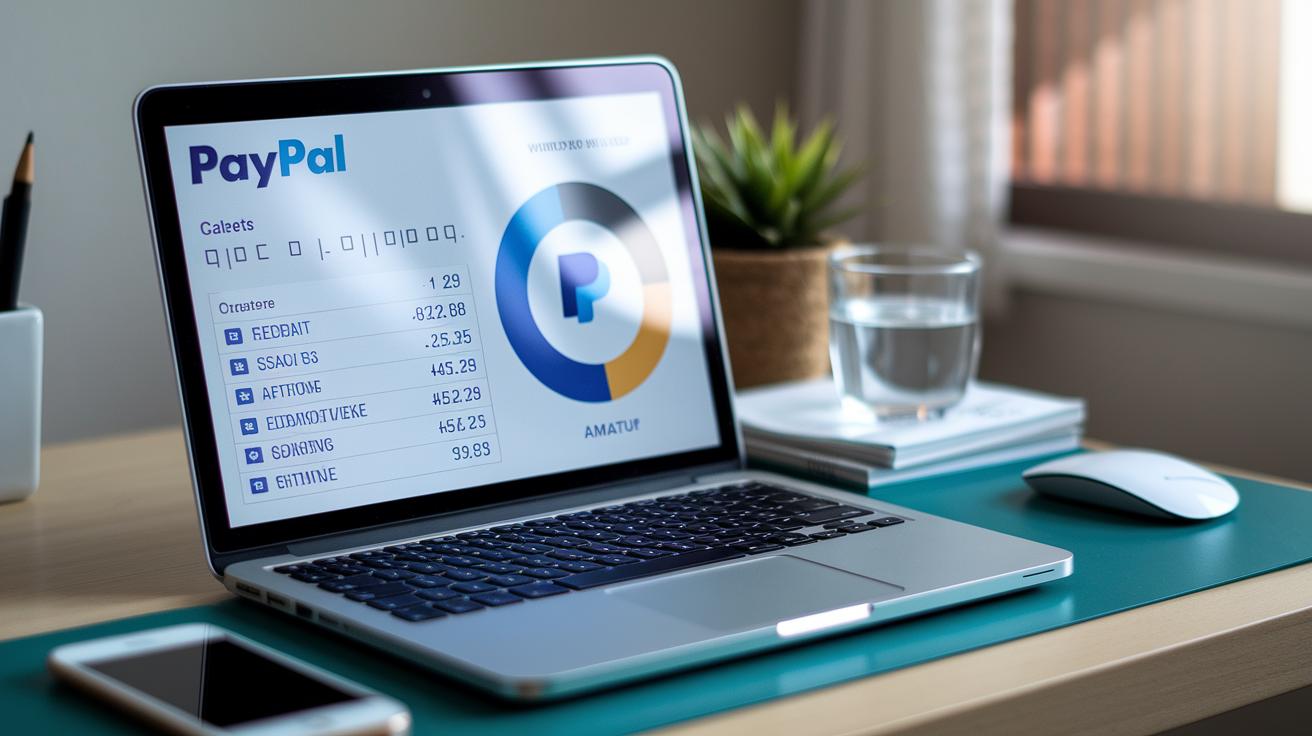
Imagine you’re handling small transactions where every cent counts. The PayPal fee calculator gives you a clear, instant snapshot of your fees, breaking down exactly what goes to PayPal and what stays with you.
Let’s start with a $50 sale. The tool first applies a 2.99% fee to your $50, which comes out to about $1.50. Then it adds a small fixed fee of $0.49, pushing the total fee to roughly $1.99. That means you’re left with around $48.01 in net revenue. It’s simple math that shows you exactly what you end up with.
Next, consider a $500 sale. Here, the fee calculator again uses the 2.99% rate, so $500 multiplies out to approximately $14.95. With the fixed fee of $0.49 added on, your total fee is about $15.44, leaving you with net receipts of $484.56. It’s a straightforward way to see the impact fees have on your earnings.
Now, picture a larger transaction, say a $5,000 sale. The calculation goes the same way: multiply $5,000 by 2.99% to get around $149.50, then add the fixed fee of $0.49 for a total of $149.99. This leaves you with net earnings of about $4,850.01. This example shows that even with bigger numbers, the calculator stays reliable and clear, no matter the transaction size.
International PayPal Goods & Services Fee Computation
When you send or receive money internationally with PayPal, there’s a bit more to the fee than just the standard 2.99%. They throw in an extra 1.5% cross-border surcharge to cover the extra handling and risks that come with international transactions.
And if you’re dealing with currencies like GBP, EUR, or others, there’s another layer: PayPal applies a conversion spread of about 3-4%. That means when you convert currencies, these extra fees are rolled into the overall cost.
Want to see exactly how much you’ll pay? Just use the fee calculator by following these steps:
- Enter your total amount.
- Choose the foreign currency.
- Check the results to see the combined base fee, cross-border charge, and conversion costs for a clear picture of your net receipts.
Here’s a fun fact: One small business owner discovered that understanding these fee details helped them save hundreds of dollars every month. Isn't it clever how a little insight can make such a big difference?
Tips for Optimizing Your PayPal Fee Estimates

If you’re looking to save money on fees, try tweaking your payment processing habits using a PayPal goods services fee calculator. This friendly online tool shows you every fee in clear detail, helping you adjust your approach with confidence.
When you combine a transaction cost analyzer with a service charge computation tool, you get a complete view of your fees. This means you can spot any unnecessary charges and trim them down, keeping more of your hard-earned money.
- Talk with your payment provider to see if you can get lower, discounted rates if you process a lot of transactions.
- Group your invoices together so that the fees don’t add up as much.
- Opt for ACH or bank transfers instead of card payments since they usually cost less.
- Choose standard withdrawals instead of instant transfers that come with extra fees.
- Set clear refund policies to help lower the chance of chargebacks.
- Check your fee details regularly with your digital fee estimator to stay on top of any changes.
- Try out different fee setups using your PayPal fee calculator to find the best option for you.
PayPal Goods & Services Fee Calculator FAQs
Our PayPal calculator is a handy tool that helps you understand digital payment fees in a clear and straightforward way. It shows you what to expect when you’re dealing with business transactions versus sending money for personal reasons.
What are the differences between Goods & Services fees and Personal payments?
Goods & Services fees come into play when you’re handling business transactions, while personal payments are used to send money to friends or family.
Can I pass PayPal fees on to my customers?
No, the fee setup is designed so that you can’t simply shift these charges over to your customers.
How do I know I’m looking at the latest fee schedule?
Because our calculator updates automatically, you’re always seeing the most current rates available.
What happens to fees if a transaction is refunded or disputed?
If you end up refunding or disputing a payment, the fee usually stays with the transaction and isn’t returned.
Are there any discounts or fee waivers for high-volume merchants?
Yes, some high-volume merchants might qualify for special discounts or fee waivers based on certain conditions.
Final Words
in the action, we explored how to quickly estimate PayPal fees with the latest 2024 rates. We broke down fee components, walked through the easy calculation steps, and shared real-world examples that bring clarity to transaction costs. You can see how the tool guides both buyers and sellers in getting transparent fee breakdowns. The paypal goods and services fee calculator serves as a handy aid for immediate fee insights. It’s a friendly nudge toward making confident, data-driven decisions for smoother financial transactions.
FAQ
What do the various PayPal fee calculators (USA, 2024, 2025) do?
The PayPal fee calculators compute transaction fees for goods and services by applying a base rate (such as 2.99%) plus a fixed fee. They instantly estimate net proceeds for domestic and international transactions.
How are international and Euro fees calculated using PayPal fee calculators?
The calculators for international and Euro payments include extra cross-border surcharges and currency conversion margins, ensuring fee estimates are accurate when dealing with foreign currencies.
How much does PayPal charge on a $100 transaction and for goods and services overall?
For a $100 transaction, PayPal typically charges about 2.99% plus a fixed fee (around $0.49), resulting in a fee roughly $3.48; similar rules apply for other transaction amounts.
How do fees work when receiving money through PayPal for goods and services?
When receiving money, PayPal deducts fees calculated as a percentage of the gross amount plus a fixed fee, so you see the net amount credited to your account.
How can I avoid a 3% fee on PayPal transactions?
Avoiding a 3% fee may involve using alternative payment methods like bank transfers or negotiating merchant rates; switching from standard goods and services transactions can also help reduce costs.
Does PayPal take 20% on transactions?
No, PayPal does not take 20% on transactions. Their fee structure typically involves a low percentage charge plus a small fixed fee, keeping overall fees much lower.
What is the PayPal $20 fee?
The so-called $20 fee is a misunderstanding. PayPal charges fees as a combination of a percentage and a fixed amount, and there is no standard flat $20 fee applied to regular transactions.


